will display a math question. If player chooses correct
answer, Math N’ Secrets
™
Tech Bracelet will default to a
fill in the blank screen. For each correct answer one letter
is given. When the fill in the blank word is complete, an
animation of the word will appear.
Animation Mode
To begin the animation mode, press the
animation buttons ( lower left side).
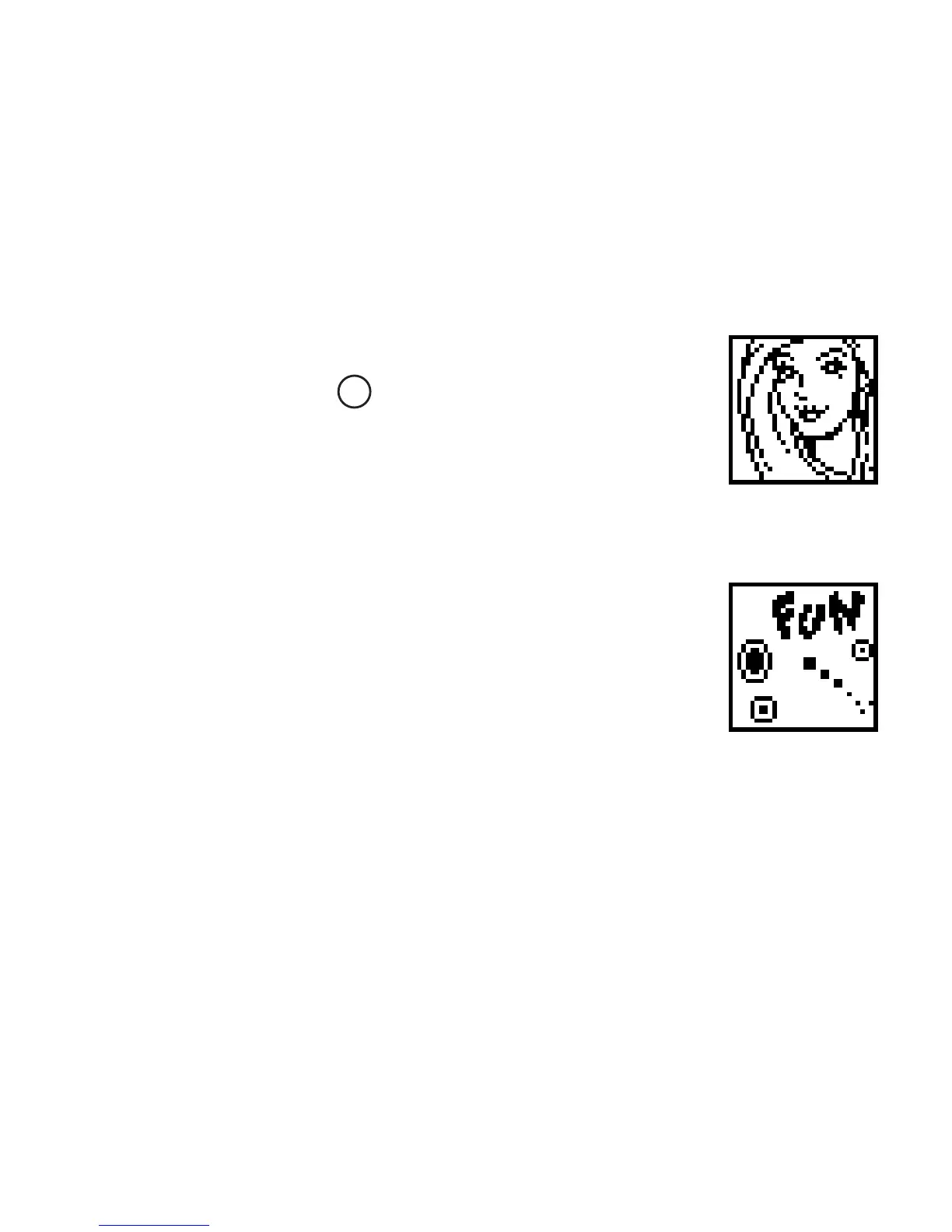
A short animation with Barbie
®
will be shown.
Screen Saver Mode
The screen saver mode is the automatic
default screen. This appears when the
game play is not active for 5 or more
seconds. The screen saver displays
a series of ‘still’ images every 30 seconds
for 5 minutes, and at the end of every 5
minute interval, a 5 second animation
plays. The screen saver then returns
to a ‘still’ image.
3


 To Next Page