EasyManua.ls Logo

Barco E2 Gen 2 - Event Master Control Software Workflow; Software Configuration Steps (C1-C9); Software Programming Steps (P1-P8); Multiviewer Menu

Barco E2 Gen 2
8 pages
Print Icon
To Next Page IconTo Next Page
To Previous Page IconTo Previous Page
Loading...
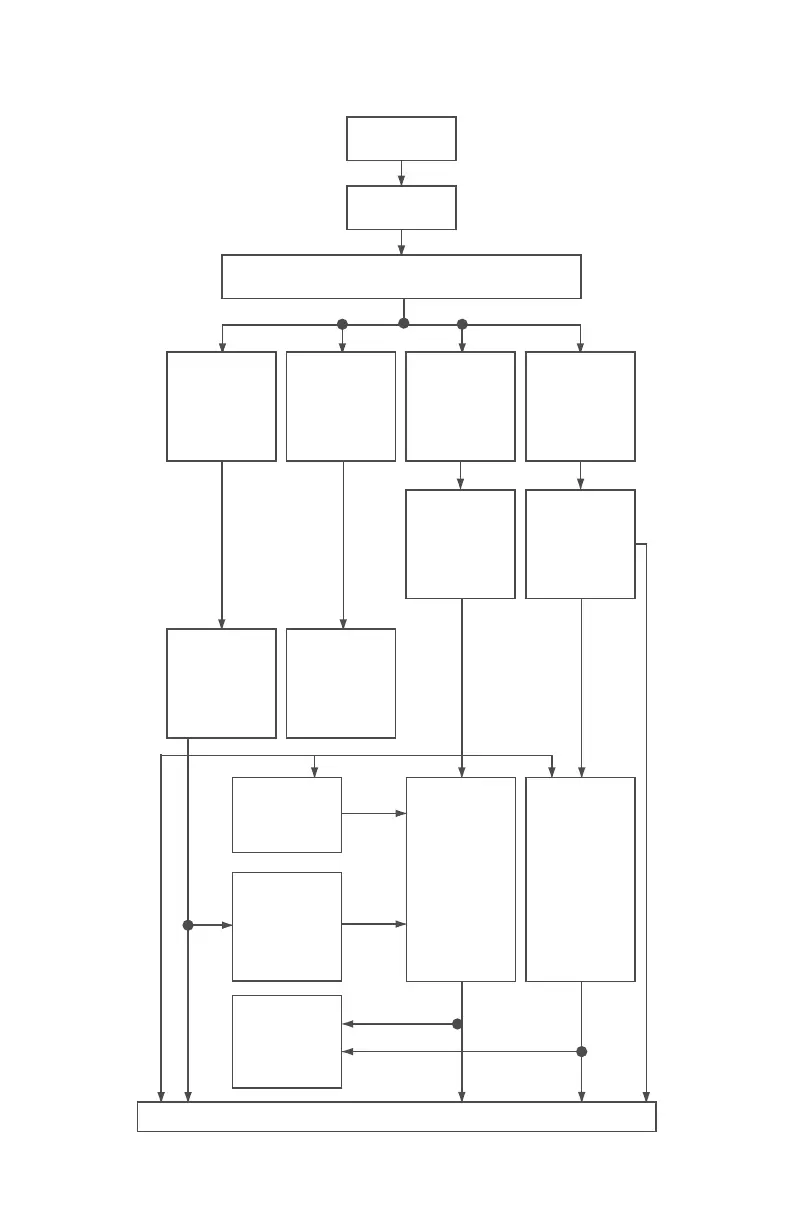
Event Master Control Software Flowchart
C1: Discover
C2: Connect
C3: System Parameters
(Native Rate, Genlock Mode, and Preset Conflict Mode)
C4: Add
Backgrounds
C5: Add
Inputs
C6: Add
Outputs
(Turn on Test
Patterns)
C7: Add MVR
Outputs
C8: Add Screen
Destinations
Add Layers to
Destinations
C9: Add Aux
Destinations
P2: Select
thumbnails
for
Inputs
P3: Create
Sources from
Inputs
P5: Drop Layers
into Screen
Destinations
&
Sources into
Layers
P6: Drop
Inputs /
Backgrounds
into Aux
Destinations
P8: Create
Presets
P7: Create
User Keys
P4: Drop
Backgrounds
into
Screen
Destinations
P1: Select
thumbnails
for
Backgrounds
Multiviewer Menu
Page 5 of 8

Related product manuals