10
Ozonator
The Ozonator will run when the “Jets 1” is running in the lower setting.
Lights
Press the “Light” button once to start the lights. Continue to press the light button to go through the wheel,
stop at the desired selection. Press the light again to turn the lights off.
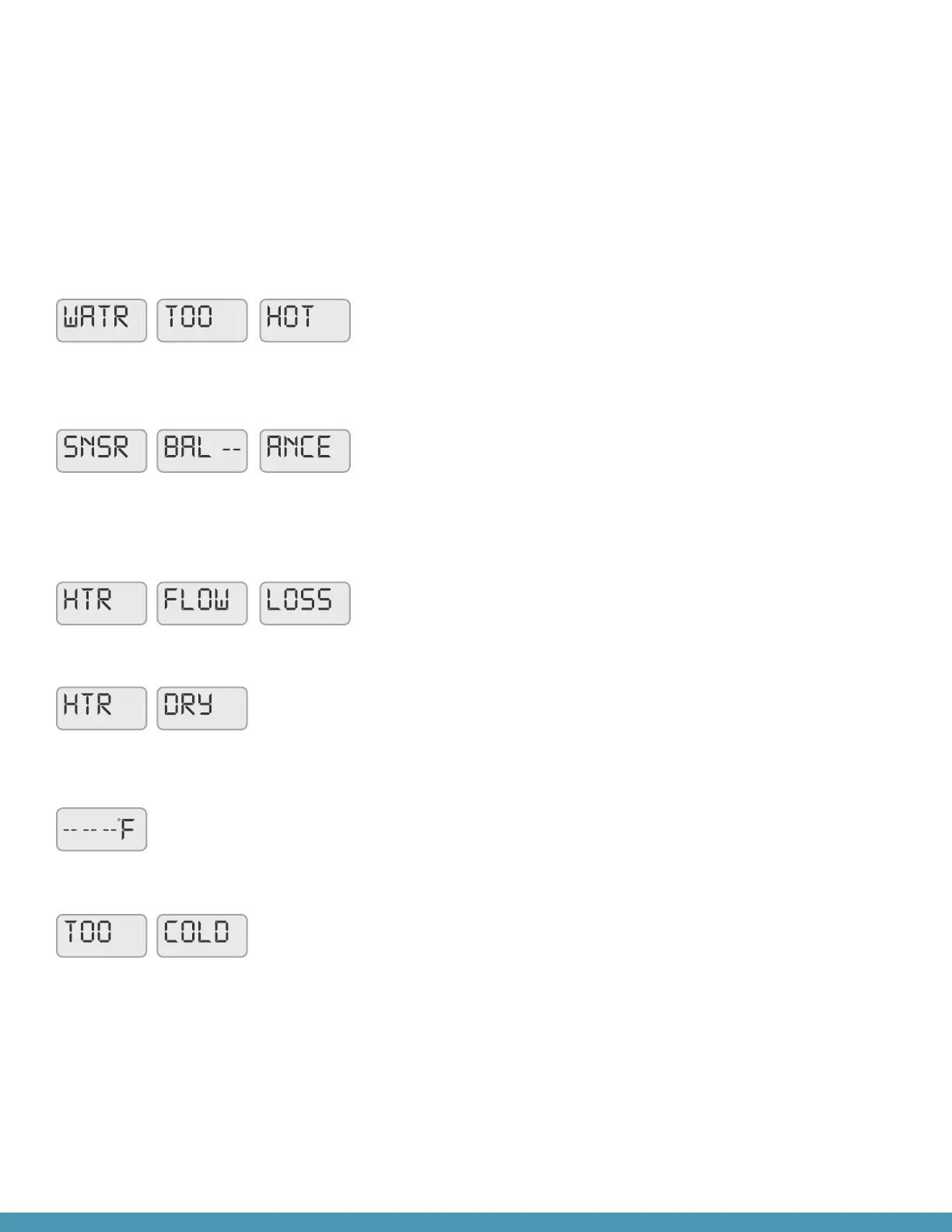
Please see the following guide for messages that may display on your spa’s topside.
WATR / HTR TOO HOT
One of the sensors has detected a temperature that exceeds 107°F.
Remove the cover and allow the water to cool, check for water ow
obstructions. Call customer service if the code does not reset.
SNSR BAL-ANCE or SNSR SYNC SNSR A / B
The temperature sensors are out of balance. If the display is toggling
with the temperature, it may be a temporary condition. Check for
water ow obstructions. If only this message is displayed, the spa
has shut down. Call customer service.
HTR FLOW LOSS / FAIL
Low ow. Heater may shut down. Check for water ow
obstructions. Call customer service if the code does not reset.
HTR DRY / HTR MAY BE DRY
Low/no ow. Check for water ow obstructions. Call customer
service if the code does not reset.
-- -- -- F
Temperature unknown. Allow the pump to run for at least 1 minute to
register the current temperature.
TOO COLD
If the temperature sensors within the heater detect a low enough
temperature, then the jets automatically activate to provide freeze
protection. The jets will run either continuously or periodically
depending on conditions. If “TOO COLD” displays on your topside
and the spa does not resume and heat to the set temperature,
contact customer service.


 To Next Page