9 Appliance Installation Guide
Powering Up and Down
This chapter describes the procedure used to install your appliance and perform the initial
configuration.
Powering Up the Appliance
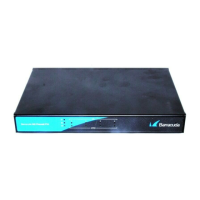
• Connect and power on the appliance. The power LED indicates green.
• You may use the serial console to monitor the booting procedure.
• After a few seconds, the booting procedure will be initiated and the status LED
will start to blink
green.
• Wait until the status LED indicates constant
green: The booting procedure is
finished and the unit is fully operational (depending on the firmware
configuration).
Powering Down the Appliance
• The system shutdown must be initiated either using the Barracuda NG Admin
tool, a remote logon to the appliance or by using the LCD display and keypad
on the appliance.
• The current status of the shutdown process will be shown on the appliance’s
LCD display. You may also use the serial console for this purpose. Also, the
status LED will blink
green.
• The status LED will turn off at the end of the shutdown procedure.
You must never turn off the appliance by simply switching it off or otherwise removing power from it.
Always initiate a proper system shutdown as described below.


 To Next Page