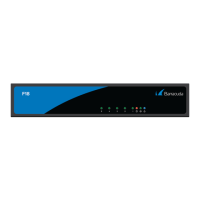
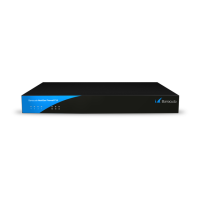
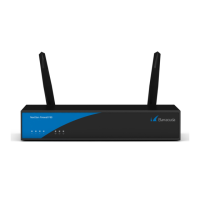
Barracuda CloudGen Firewall
F180 and F183 Revision A 4 / 7
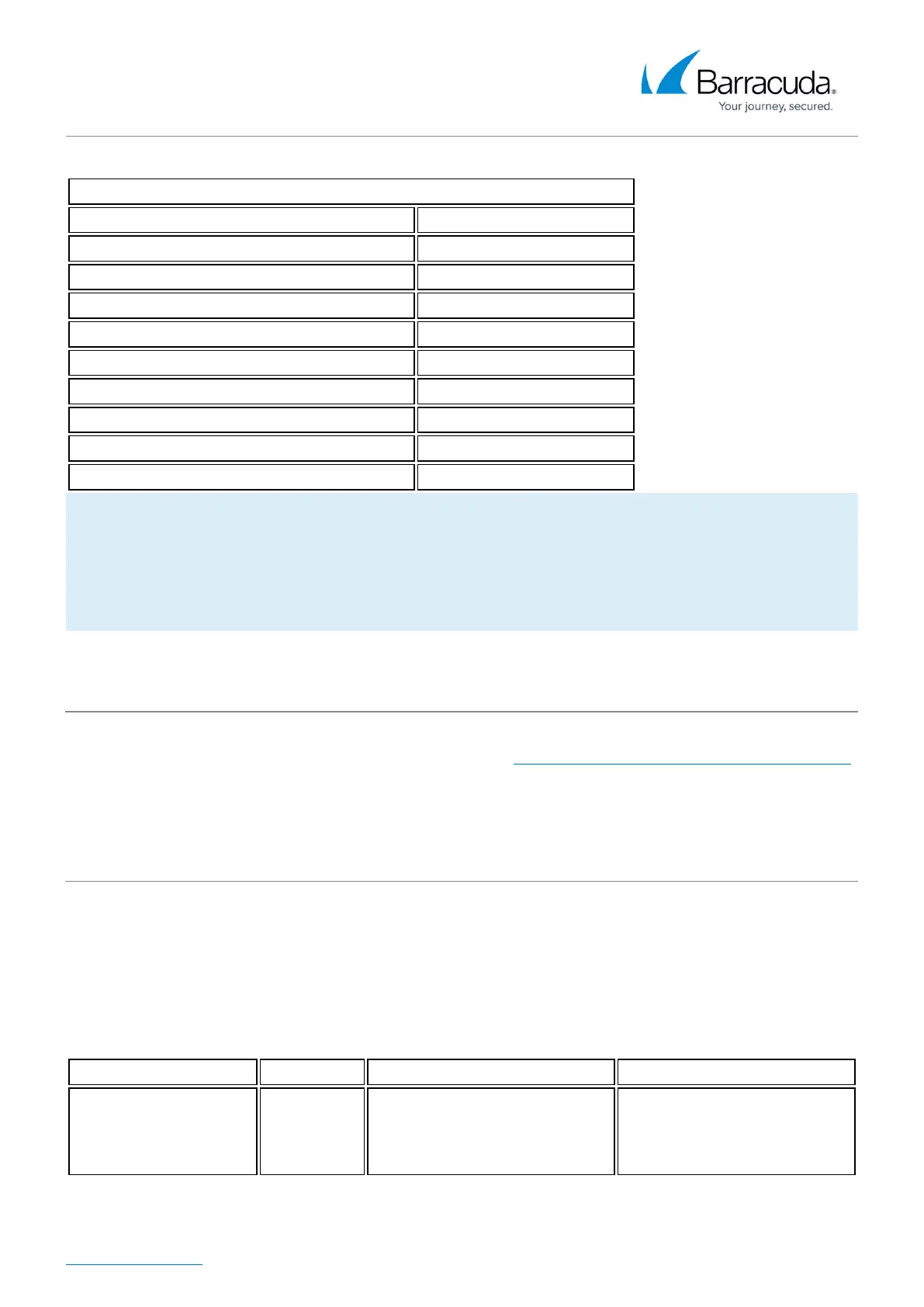
Power & Efficiency
Power supply type External
Power type [AC/DC] AC
Input rating [Volts] 100-240
Input frequency [Hz] 50-60
Auto sense Yes
Wattage / max. power draw [W] 45
Max. power draw (@ 230V) [A] 0.2
Max. heat dissipation [W] 19
Max. heat dissipation [BTU] 65
Energy efficiency [average] > 85%
The hardware specifications list was valid at the time this manual was published. The listed
components are subject to change at any time, as Barracuda Networks may change hardware
components due to technological advancements. Therefore, the list may not reflect the current
hardware configuration of the Barracuda Networks appliance it was delivered with.
Wall Mount Kit
This appliances is shipped with a wall mount kit. Print the Barracuda CloudGen Firewall Wall Mount Jig
to use as a template when drilling the required holes. Do not scale the PDF when printing.
LEDs and Acoustic Signals
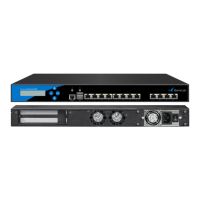
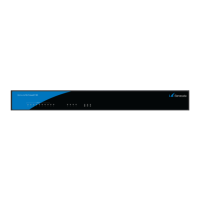
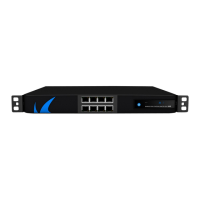
Your appliance is equipped with a variety of LEDs and acoustic signals. The front panel of
the Barracuda CloudGen Firewall F180 A and F183 A contains one power LED (blue), one disc LED
(green), one status LED (red), and 4 port LEDs. On the back panel, you can see one power button LED
and various port LEDs. Two acoustic signals indicate status of installation. The tables below show the
different meanings of the different glowing states and acoustic signals:
LED Color Status Meaning Installation Meaning Operation
All LEDs Off Off
Appliance is powered off or
installation has not initialized
far enough for LED control
when installation is started.
Appliance is powered off.


 To Next Page