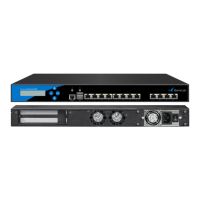
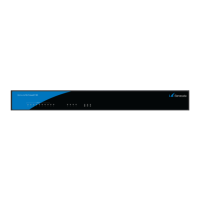
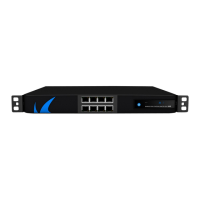
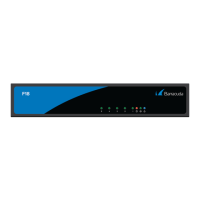
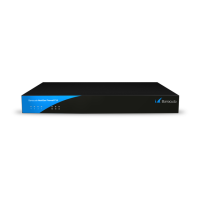
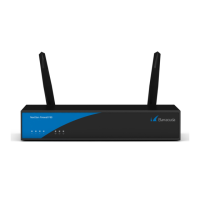
Barracuda CloudGen Firewall
F180 and F183 Revision A 5 / 7
Power LED front side -
BLUE
Steady -
Appliance is plugged in and is
on.
Status LED front side -
RED
Off
Installation has finished
successfully.
Box is running normally.
Status LED front side -
RED
Steady
After a hotfix installation, the
LED turns to red until the next
reboot in case the hotfix
installation failed. This feature
requires firmware 7.1.3 or
higher OR 7.2.2 or higher.
Appliance is halted and may
be disconnected, or an error
occurred preventing the
appliance from entering the
up state.
Status LED front side -
RED
Blinking
slowly (1/s
interval)
Normal installation.
Appliance is either booting,
shutting down, or performing
a system update.
Status LED front side -
RED
Blinking fast
(4/s interval)
Error during installation. Appliance is in ART mode.
Disc LED - GREEN Blinking
Appliance is reading or writing
on storage.
Appliance is accessing the
internal storage.
Port LEDs -
GREEN/YELLOW
Left blinking
Data transfer – Yellow (10/100
Mbps)
Port in use.
Right steady - Port is on.
PSU LEDs - GREEN Steady
PSU modules connected and
running
Power supply unit is up and
running.
Off
Power defective, standby, or
shutdown
Power supply unit is off or in
standby mode.
Acoustic Signal Frequency Meaning
Beep
1 time
(.)
Appliance is booting.
Beep
3 times
(...)
Installation was completed successfully; appliance is halted for
reboot. After reboot, one beep will again indicate booting.
Beep
3 times long
(_ _ _)
Error during installation
LED and acoustic signals may vary between different appliance models.
Serial Console Port
In order to establish a console connection to the appliance using an RJ45 serial cable, you need to
configure the serial port on the terminal using the following parameters:
Parameter Value


 To Next Page