T e c h 3 0 0 User Guide R.59.1 2020
19 | P a g e
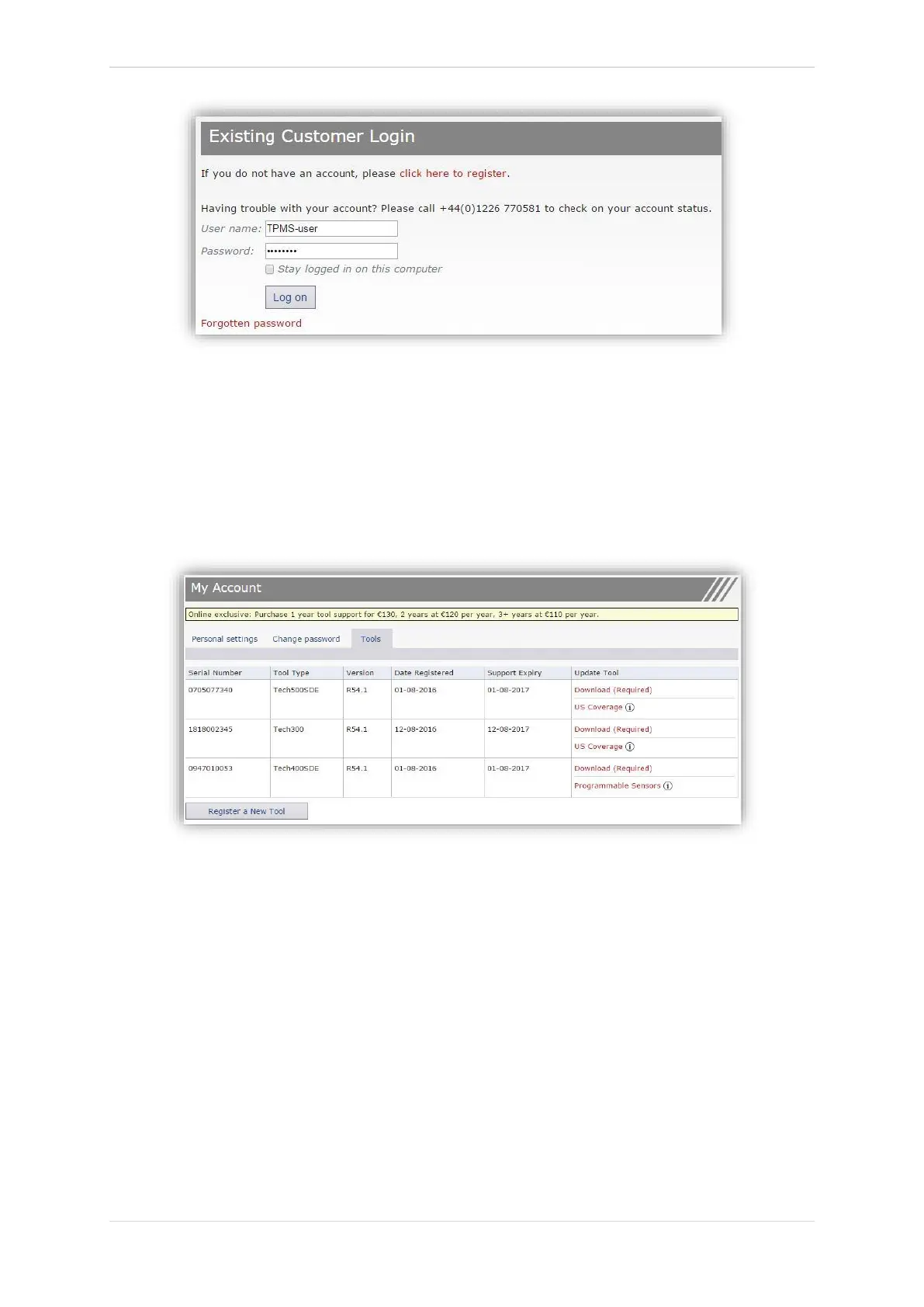
After Login, the personal settings will show, which can be changed as required.
Selecting Tools gives the user the option to register a new tool. The serial number is printed
on the back of the tool or in ‘My Tool’ menu ‘Tool Info’.
Note that this Serial Number is validated by the website and it must be entered correct.
If the number is accepted the user will see the tool listed, along with a Download button which
will allow to get the latest software version:
Selecting ‘Download’ generates a version of the software locked to the serial number only and
gives a standard download message (dependent on the browser) to save the software file. After
saving the file, continue with the update process as described in the following.



 To Next Page