T e c h 3 0 0 User Guide R.59.1 2020
6 | P a g e
BEFORE GETTING STARTED
1. Charging
NOTICE: Only use the power supply or USB cable that is included in the TECH300 tool kit to
charge this tool. The use of un-approved power supplies may damage it and will void the tool
warranty.
2. Registration
The Bartec TECH300 can be registered at https://tools.bartecautoid.com/ . Follow the on-
screen prompts filling in the information and tool serial number. A valid serial number and
supplier is required to process the registration, which can take up to 24hrs once submitted.
3. Update
Once the tool is registered, verify the software level loaded to the level available online and
update the tool if necessary.
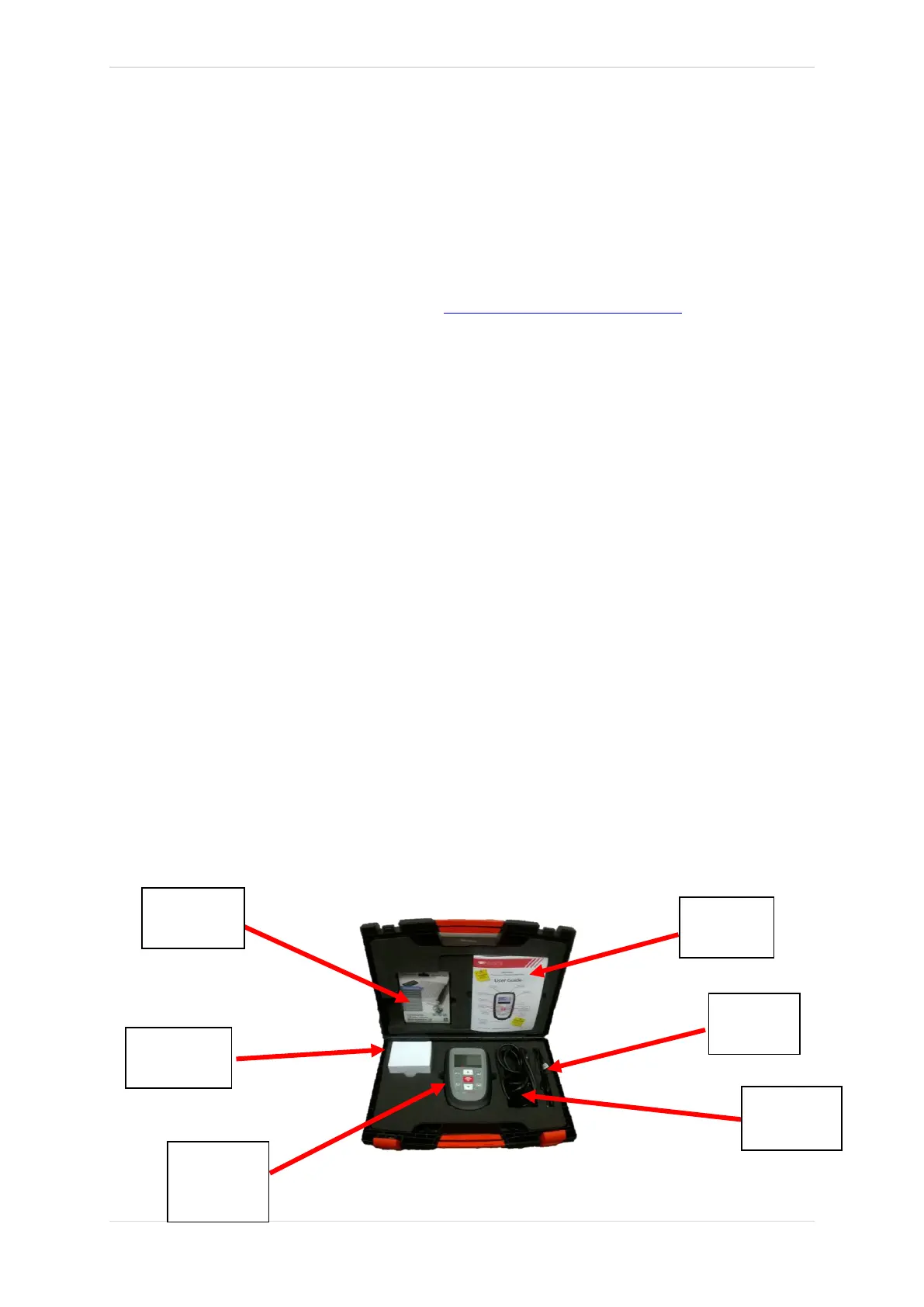
KIT COMPONENTS
The TECH300SDE kit inside the tool box includes:
• TPMS activation tool
• OBD II cable (optional)
• USB cable
• Battery charger
• Bluetooth Stick
• User Manual
Identifying Kit Components and Features
The TECH300SDE tool is battery operated and generates a low-frequency magnetic field to
activate tyre sensors. It receives UHF radio signals from the tyre sensors typically at 434MHz.



 To Next Page