- 28 -
LED indicators
This indicator comes on when the cooling device is active, goes off
when the desired internal temperature is reached, and flashes during
delays.
This indicator comes on during defrost, goes off when the defrost
process is completed, and flashes during extended defrost.
Setting the desired temperature (desired value)
o The temperature in the device can be regulated to between 2 °C and 10 °C.
o To set or change the desired value:
press the button marked
;
the set value will begin flashing;
increase or reduce the value using the buttons marked
and
;
confirm the value entered by pressing the button marked .
o If no button is pressed in the next 10 seconds, the digital display will show the
temperature inside the device.
Turning lighting on/off
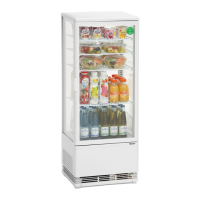
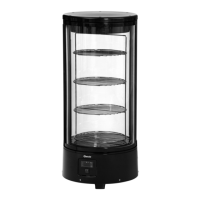
• The device is equipped with 2 LED lighting strips along the sides of the door frame.
• The internal LED lighting can be activated by pressing the button marked .
• To turn the lighting off, press the button marked
again
.


 To Next Page