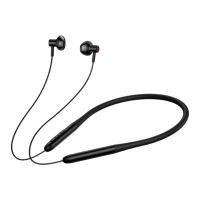
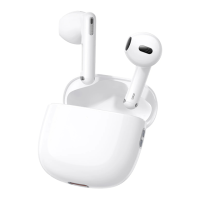
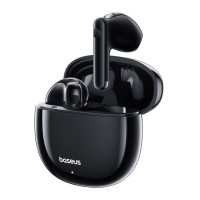
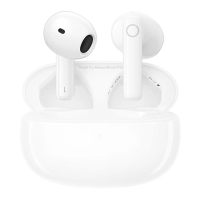
Restore factory Settings:
When the headset is on, turn off the Bluetooth of the mobile phone, and hold down the + and - keys for 4 seconds. The red
light blinks three times, indicating success.
Intelligent double connection operation steps:
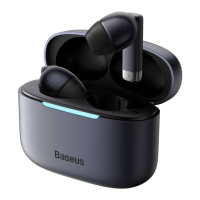
1. Firstly, turn on the Bluetooth of mobile phone A and search for "Baseus Bowie H1 Pro". After completing the
connection and pairing, click to turn off the Bluetooth;
2. Then turn on the Bluetooth of B mobile phone and search for "Baseus Bowie H1 Pro" to complete the connection and
pairing;
3. Finally, turn on the Bluetooth of A mobile phone again, and the headset will automatically connect to A mobile phone,
completing the function of A/B mobile phone connecting to the headset at the same time.
Note: If the headset has the pairing record of mobile phone A and mobile phone B, the headset will automatically connect
to mobile phone A and mobile phone B at the same time the next time it is turned on.
APP usage and security:
1. Panoramic sound mode can be selected in the APP.
2. EQ mode selection and custom adjustment can be performed in the APP.
3. Noise reduction mode can be selected in the APP.
4. Switch the low latency mode in the APP.
Note: Enter Settings - Open application - Application startup management - Manually open the "Beisi" APP: Allow
self-startup, allow associated startup, allow background activities.
3, electronic information products hazardous substances declaration:
This form is prepared in accordance with SJ/T 11364.
O: indicates that the content of the hazardous substance in all homogeneous materials of the part is below the limit
requirements specified in GB/T 26572 standard.X: The content of the hazardous substance in at least one homogeneous
material of the part exceeds the limit requirements specified in the GB/T 26572 standard.
The product complies with the EU RoHS 2.0 Directive (2011/65/EU)


 To Next Page