EN
Connection Steps
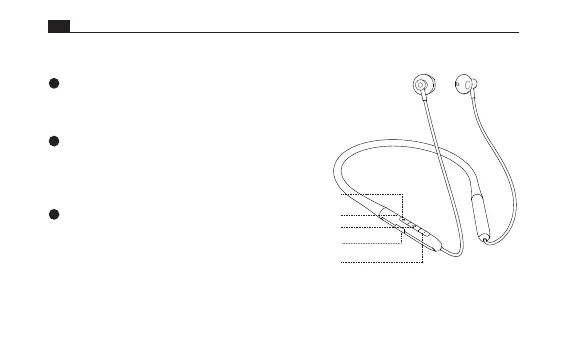
Volume - button
Volume + button
Earphone indicator/ Microphone jack
Multifunction button
Charging port
Power on
Wireless connection
Power o
Press and hold the multifunction button for 2s.
The earphones automatically enter the power-on state.
Turn on wireless mode on your phone to
search and pair the earphones.
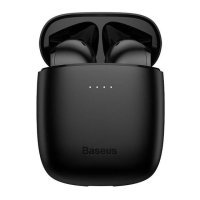
Select device model:Baseus Bowie P1
Press and hold the multifunction
button for 4s. The earphones will turn o.






 To Next Page