01
EN
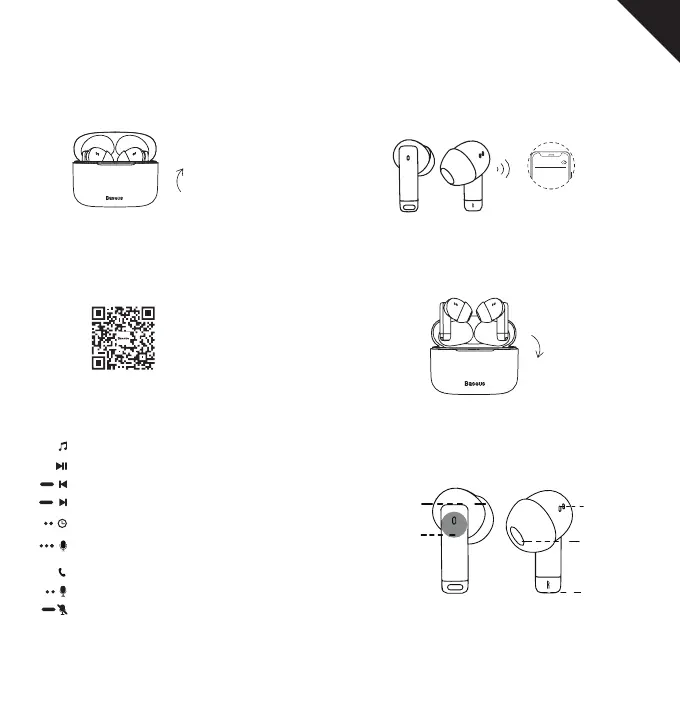
Connection Steps
Function Operation
1. Power on
Music mode:
Call mode:
3. Download the app and link the earphones to app.
2. Wireless connection
4. Power o
The earphones will automatically power on after
opening the charging case lid.
Turn on wireless mode on your phone to search
and pair the earphones.
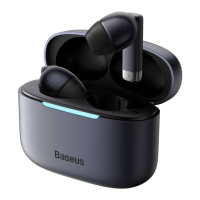
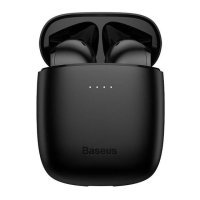
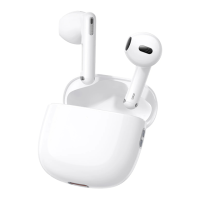
Select device model:Baseus Bowie E9
Put the earbuds into the charging case and close
the lid to power o the earphones.
Play/ Pause: Put on/o (L or R)
Previous song: press and hold the left earphone 1.5s
Next song: press and hold the right earphone 1.5s
Switch to low latency mode: Double-tap left or right earphone (L or R)
Activate the voice assistant: Triple-tap left or right earphone (L or R)
Answer/ hang up: Double-tap left or right earphone (L or R)
Reject a call: press and hold left or right earphone (L or R) 1.5s
Wireless
Baseus Bowie E9
Silica gel
ear tip
Mic hole
Sound hole
Touch
Functional
area
Charging touch
points





 To Next Page