9424200772 Rev D 5
BE1-11 Quick Start Guide
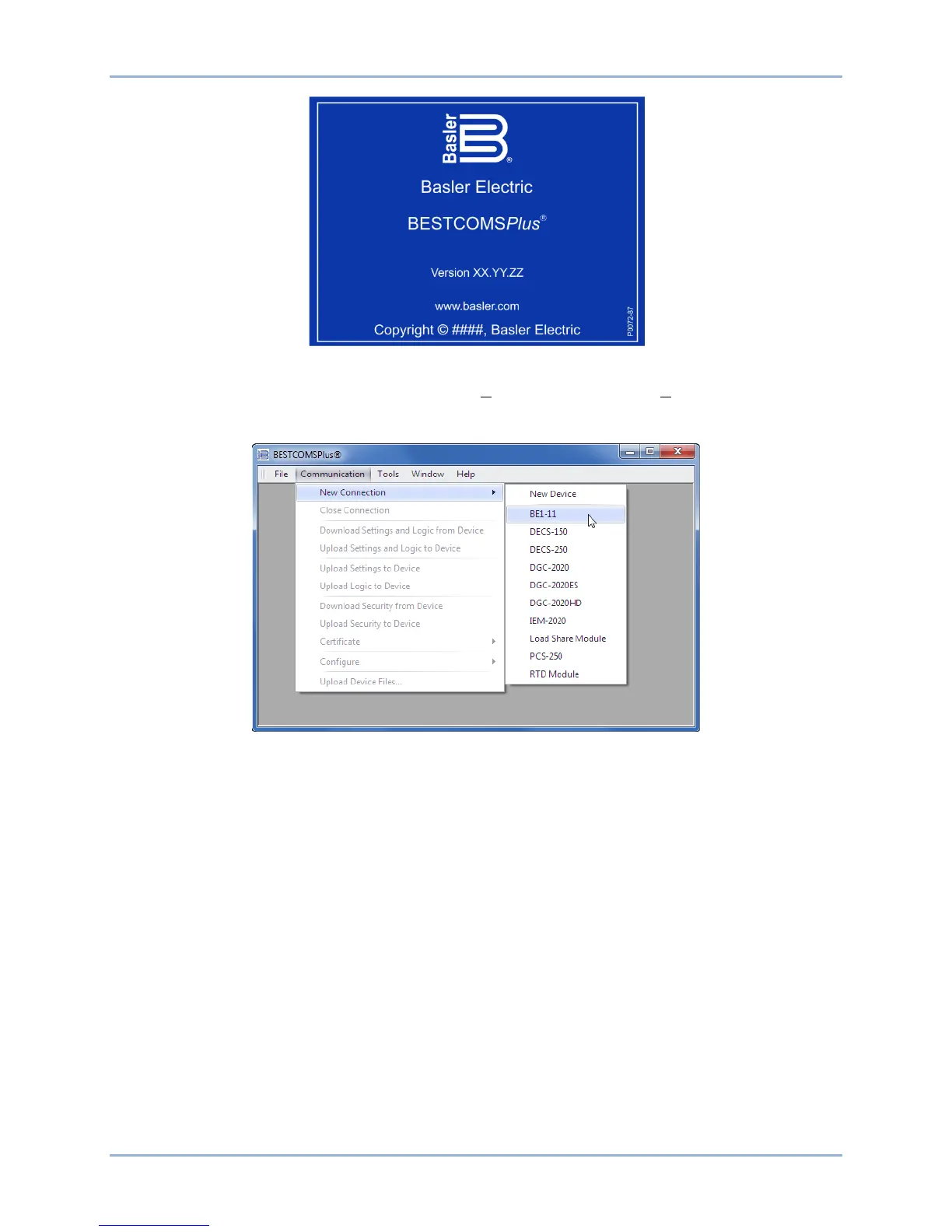
Figure 5. BESTCOMSPlus Splash Screen
The BESTCOMSPlus platform window opens. Select New Connection from the Communication pull-down
menu and select BE1-11. See Figure 6. The BE1-11 plugin is activated automatically after connecting to a
BE1-11.
Figure 6. Communication Pull-Down Menu
The BE1-11 Connection screen shown in Figure 7 appears. Select USB Connection and then click the
Connect button.
The BE1-11 plugin opens indicating that activation was successful. You can now configure the BE1-11
communication ports and other BE1-11 settings.



 To Next Page