Installation Guide
Basler IP Camera 21
LanguageLanguageLanguageLanguageLanguageLanguageLanguageLanguage
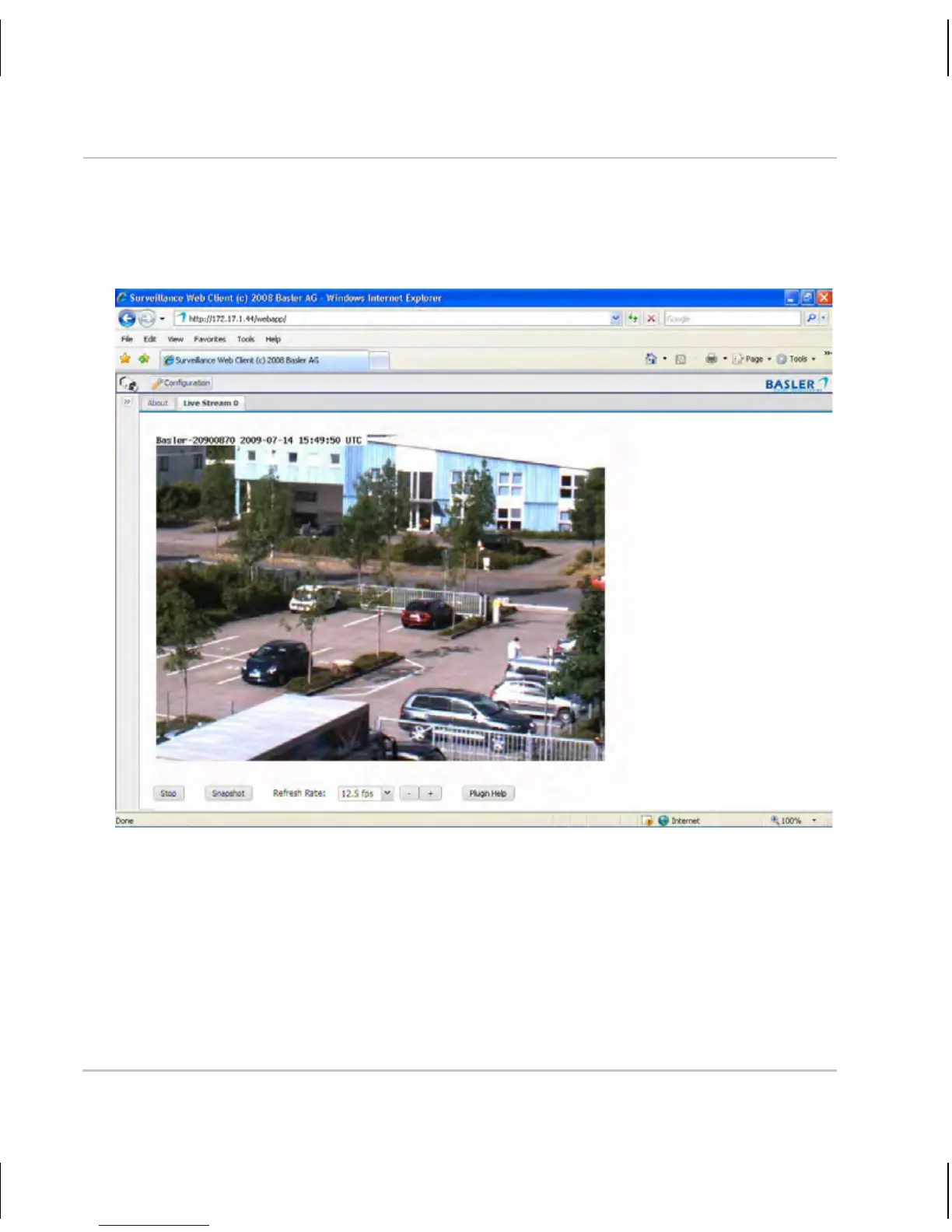
The Basler Surveillance Web Client will display a live MJPEG stream from
the camera as shown below.
For complete information about using the Basler Surveillance Web Client to
change the camera’s settings and view images from the camera, see the
camera user’s manual. You can find the camera user’s manual on the CD
delivered with your camera, or you can find the latest version of the manual
in the Downloads section of our website: www.basler-ipcam.com



 To Next Page
 Loading...
