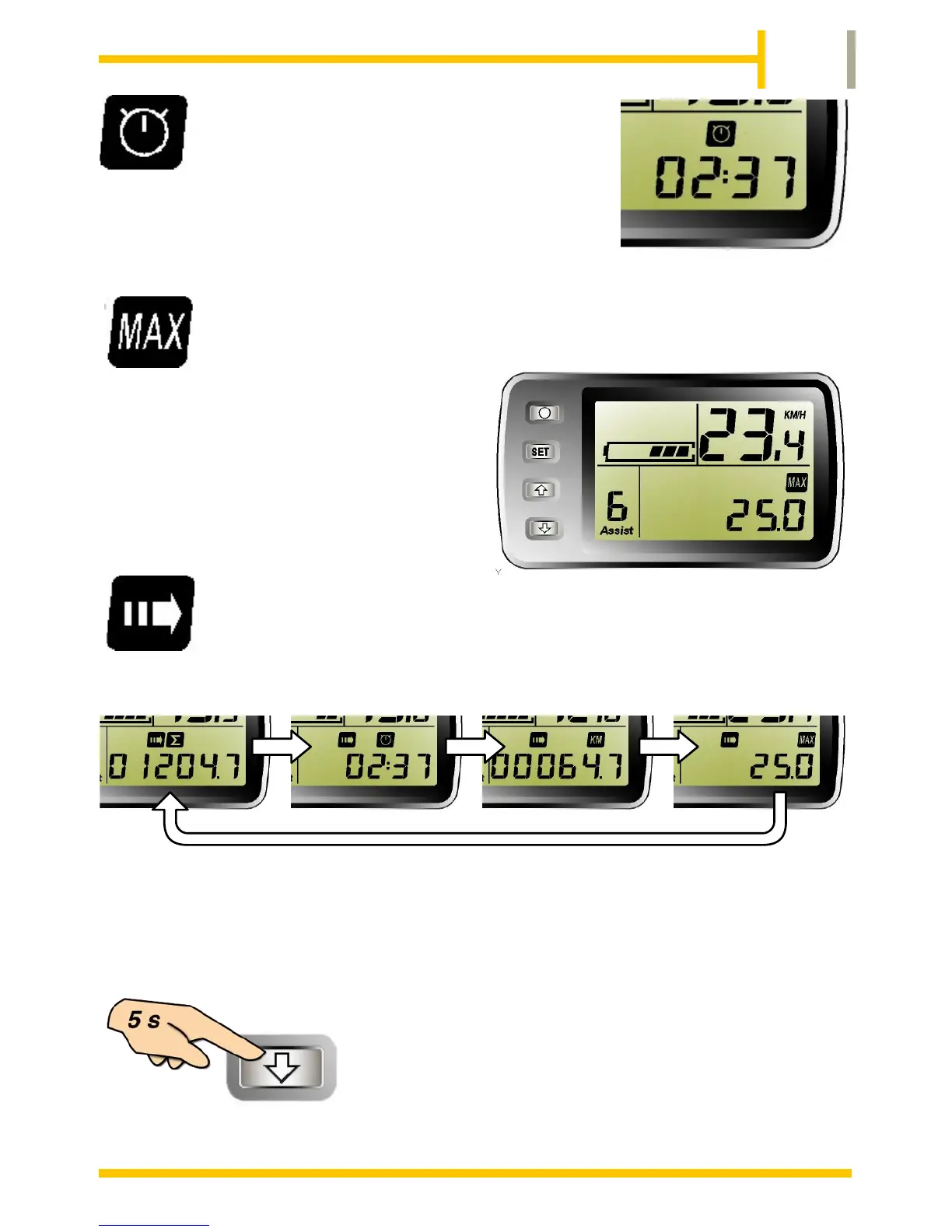
When the TRIP TIME icon is selected, the lower
right of the display will show the time spent
cycling since the last reset.
This will show in hours and minutes.
When the MAXIMUM SPEED icon is
selected the lower right of the display
will show the maximum speed
reached since the last reset. This will
display in Miles or Km depending on
the units selected.
The display can be set to “roll” through the above values
automatically. Press the SET button to select the ROLLING
DISPLAY icon.
The display will change every few seconds to show each of the values in
turn. TOTAL DISTANCE, TRIP TIME, TRIP DISTANCE, MAXIMUM
SPEED then return to TOTAL DISTANCE to start the sequence again.
The TRIP functions of TIME, DISTANCE and
MAXIMUM SPEED can be reset to zero by
pressing and holding the DOWN button for 5
seconds. The values will be reset to zero.
The TOTAL DISTANCE will not be reset.


 To Next Page