CYCLE COMPUTER
The LCD models have useful Cycle Computer functions built in. There is
a built in sensor and pickup located in the rear hub which activates the
speed and distance readings.
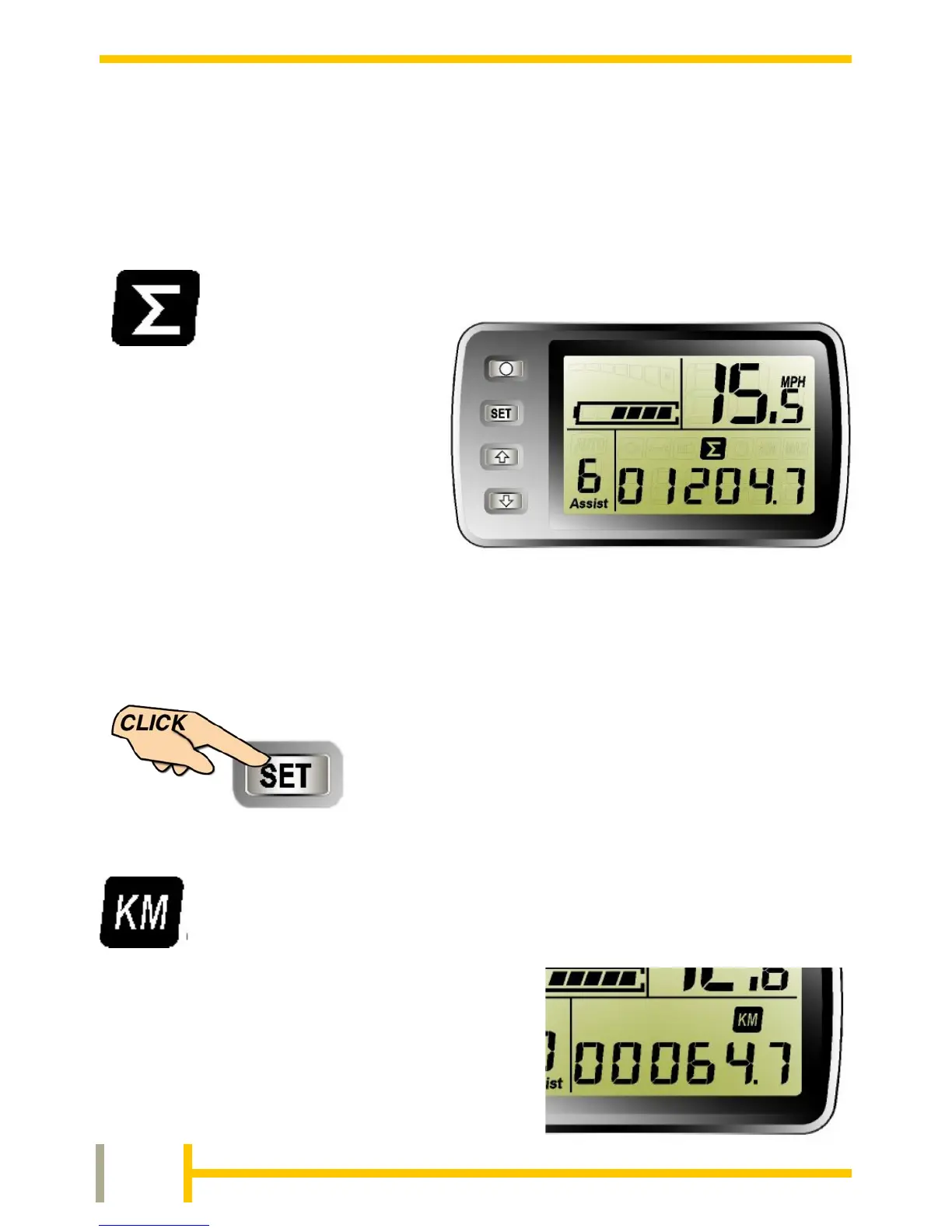
The default display mode will
show the TOTAL DISTANCE
travelled by the bike. This
cannot be reset by the user or
dealer.
Depending on the units
selected, the display will read in
Miles or Kilometres
To change the display to show the next Cycle
Computer Function, simply press the SET
button momentarily. Repeat until the desired
mode is displayed.
When the TRIP DISTANCE icon is
selected the lower right of the display will
show the distance travelled since the last
reset. This will show in Miles or Km
depending on the units selected.


 To Next Page