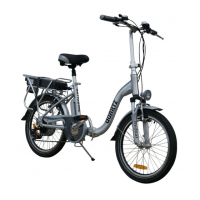
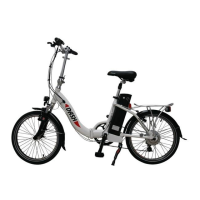
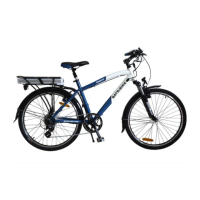
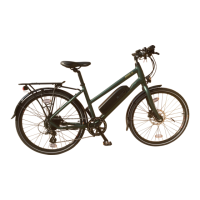
As delivered the BATRIBIKE Falcon is set up to use straight away
in the most popular configuration, but there are a number of
functions which can be tailored to suit the individual rider. These
are user set as per the following sections.
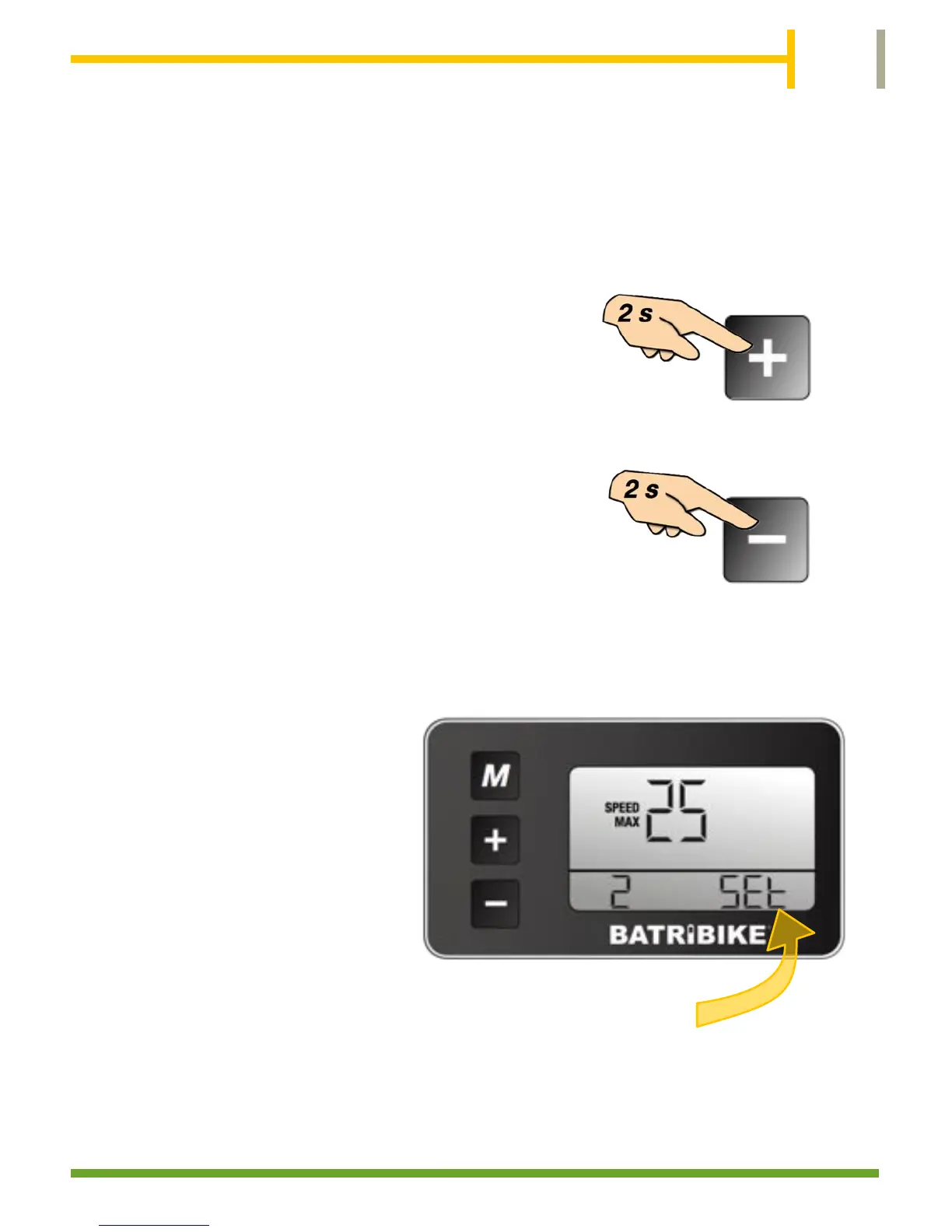
To enter the User Settings press and hold
the UP (+) and DOWN (-) buttons
together for 2 seconds.
Press the Mode (M) button to select the
desired function and use the Up and
DOWN buttons again to select the
required value. A long press of the Mode
button will activate the setting and return
to normal bike display .
Two settings are available to the user:-
1. Backlight Level
2. Speed Max
When in the settings mode the display will show SET
in the bottom right of the display.
Use of these settings is explained on the following pages.


 To Next Page