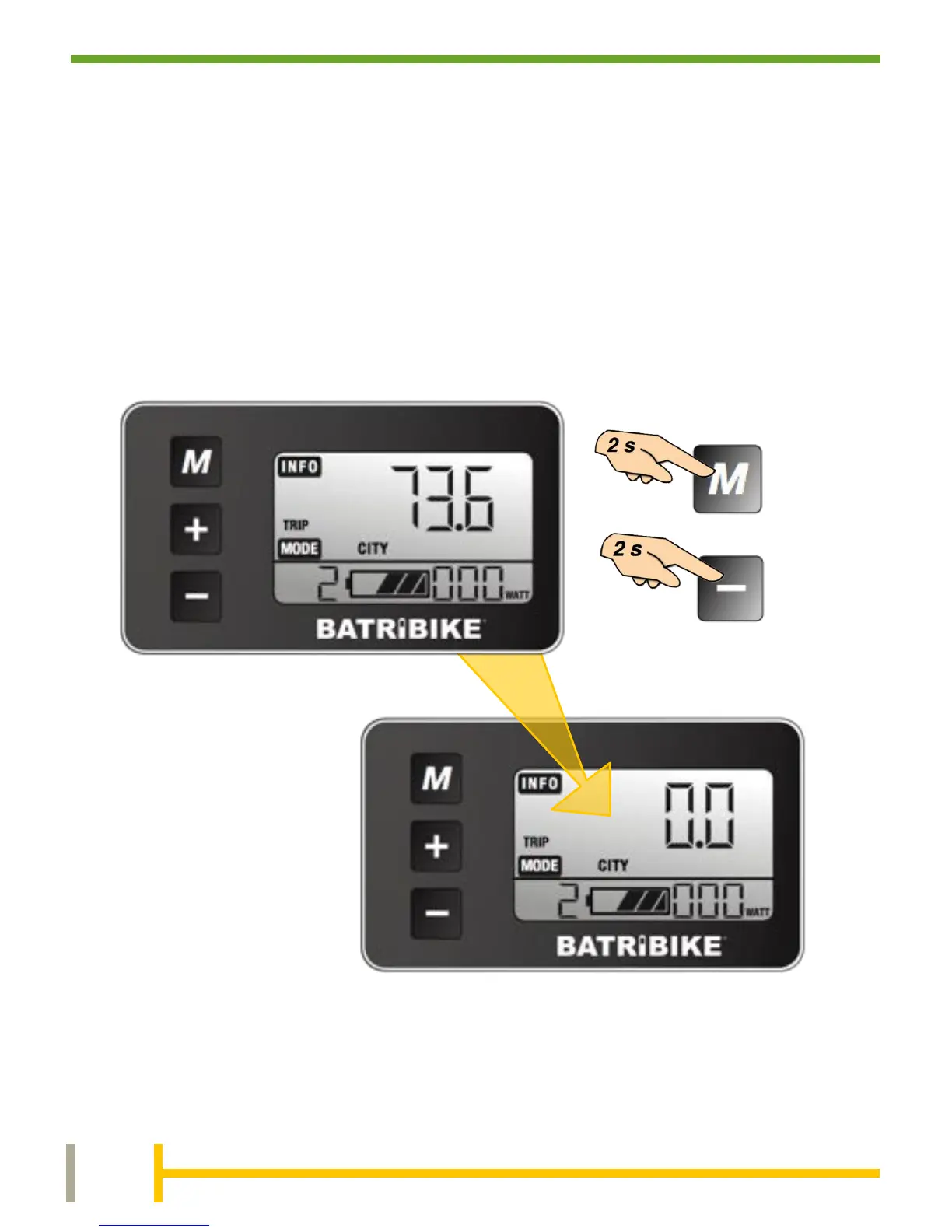
To reset the TRIP Distance and Trip Time at the start of a
journey, ensure that either TRIP or TRIP TIME is showing on the
display and simply press and hold the MODE and DOWN buttons
simultaneously, and hold for 2 seconds.
Average Speed and Maximum Speed reset automatically on
power down.
The Odometer distance displays the total distance travelled by the
bicycle since leaving the factory and cannot be reset.


 To Next Page