12 | OPERATION
FM Mode
• Press the MODE button on the speaker until FM is selected; "FM" will display on the LED display screen and you will hear
"FM mode."
• Press the / buttons on the speaker simultaneously to scan for available stations.
• Press the / buttons on the speaker or on the remote control to select the previous or next station.
• Press the button on the speaker or on the remote control to mute/unmute.
• Use the VOLUME control knob on the speaker or the VOL - / VOL + buttons on the remote control to adjust volume level.
• Note: if FM station signal is weak, please use the FM antenna on the back of the speaker.
• Note: the LED light may generate interference when the FM signal is weak, please switch off the LED light if
interference occurs
Micro SD Card Mode
• Insert your Micro SD (TF) card (not included and only up to 32G Max.) into the Micro SD
(TF) Card slot on the speaker. The speaker will automatically play the les.
• Press the button on the speaker or on the remote control to play/pause music.
• Press the / buttons on the speaker or on the remote control to select the previous
or next track.
• Use the volume control knob on the speaker or the VOL- / VOL+ buttons on the remote
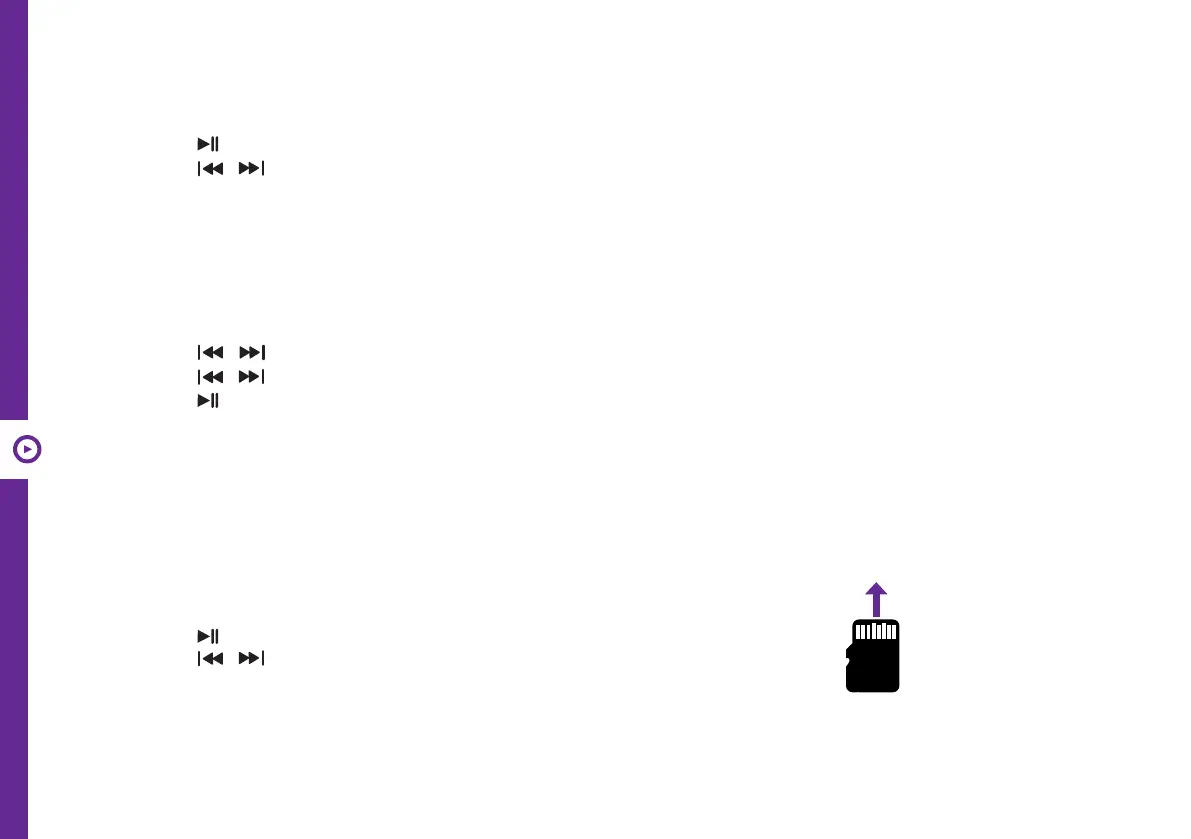
Note: please insert your
Micro SD (TF) card into the
MICRO SD CARD slot on
the speaker as illustrated.
control to adjust volume level.
• Note: If a Micro SD (TF) card is not inserted in the speaker, Micro SD (TF) Card mode will not be available.
USB Mode
• Insert your USB device (not included) into the USB slot on the speaker. The speaker will automatically play the les.
• Press the button on the speaker or on the remote control to play/pause music.
• Press the / buttons on the speaker or on the remote control to select the previous or next track.
• Use the volume control knob on the speaker or the VOL- / VOL+ buttons on the remote control to adjust volume level.
• Note: If a USB device is not inserted in the speaker, USB mode will not be available.


 To Next Page
 Loading...