EasyManua.ls Logo

Bauhn ASBWS-0719 - User Manual

Bauhn ASBWS-0719
28 pages
Print Icon
To Next Page IconTo Next Page
Loading...
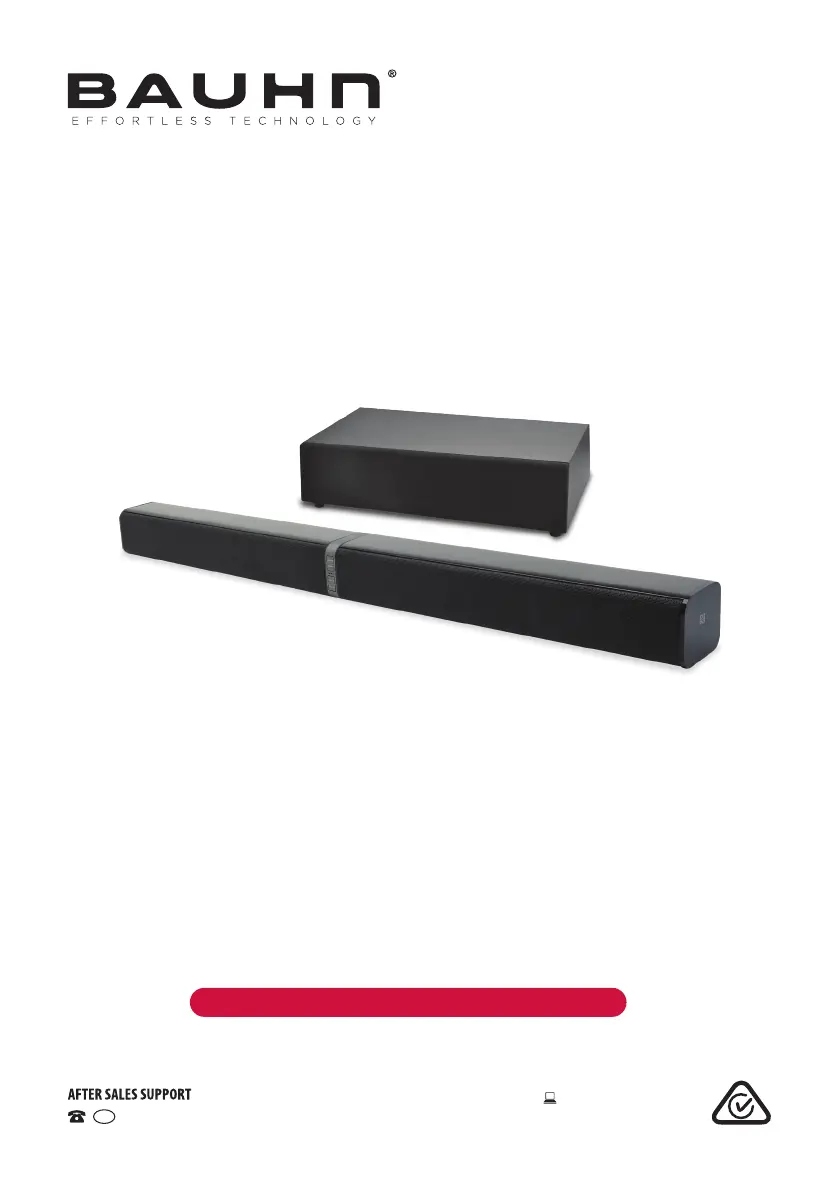
USER MANUAL
Model Number: ASBWS-0719
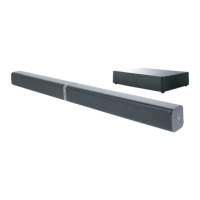
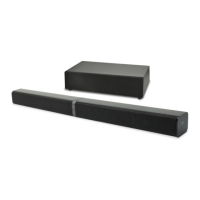
2.1 Channel Soundbar
with Wireless Subwoofer
1300 886 649 Model: ASBWS-0719 Product Code: 10177 07/2019
www.tempo.org
AUS

Questions and Answers

  • C
    Charles RyanAug 3, 2025
    What to do if Bauhn ASBWS-0719 remote control does not work?
    • N
      Natalie AndersonAug 3, 2025
      If the remote control for your Bauhn Speakers isn't working, try the following: * Reduce the distance between the remote and the unit. * Ensure the battery is correctly installed with the polarities (+/-) aligned as indicated. * Replace the battery. * Aim the remote control directly at the sensor on the front of the unit.
  • R
    Robin GilmoreAug 9, 2025
    How to fix Bauhn ASBWS-0719 Speakers when there is no power?
    • R
      rodriguezjohnAug 9, 2025
      If your Bauhn Speakers have no power, please check the following: * Ensure the AC adapter is properly connected. * Ensure the AC outlet has power. * Press the POWER button to turn the unit on.
  • A
    Austin JenkinsAug 15, 2025
    What to do if Bauhn Speakers unit has no response?
    • C
      Courtney DeckerAug 15, 2025
      If your Bauhn Speakers unit isn't responding, disconnect and reconnect the AC adapter, then turn the unit on again.
  • J
    josephcaseyAug 21, 2025
    Why can't I find the Bauhn soundbar in the Bluetooth device list?
    • P
      patricia34Aug 21, 2025
      If you're unable to find the Bauhn soundbar in the Bluetooth device list, ensure that you have paired the unit with your Bluetooth enabled device and that the Bluetooth function is activated on your Bluetooth enabled device.
  • A
    Alicia RussellAug 28, 2025
    What to do if there is no connection between the main unit and the Subwoofer of Bauhn ASBWS-0719?
    • M
      Marissa RobinsonAug 28, 2025
      If there's no connection between the main unit and the subwoofer of your Bauhn Speakers, ensure the main cables of both the main unit and the subwoofer are securely connected to the mains power socket. You might also need to pair the main unit with the subwoofer manually; please refer to "Pairing the Wireless Subwoofer with the Main Unit".

Summary

General Safety Instructions

Electrical Safety and Cord Handling

Safety guidelines for power cords, plugs, and moisture protection.

Warranty Details

Remote Control

Product Overview

Controls and Connections

Wireless Subwoofer Pairing

Guides on automatically and manually pairing the subwoofer.

Installation

Instructions

General Operation

Covers powering on, standby mode, and basic controls.

Mode Selection

How to switch between different audio input sources.

Volume Adjustment

Instructions for increasing, decreasing, and muting volume.

HDMI, AUX, Optical Operation

Using the soundbar with TV and audio sources via these inputs.

Bluetooth Operation

Connecting and playing audio wirelessly via Bluetooth.

Troubleshooting

Bauhn ASBWS-0719 Specifications

General IconGeneral
BrandBauhn
ModelASBWS-0719
CategorySpeakers
LanguageEnglish

Related product manuals