Special Safety Ruler
for rotary tools
84
83
Use
Before plug the tool in, check the voltage is the same as specified in the package. In
case of different voltage range, it may cause hazardous injuries and damage the engine.
If you do not know how to operate the tool, do no connect it to the power source.
Operation
Variable speed dial
Instructions for the use
of Mini Grinder
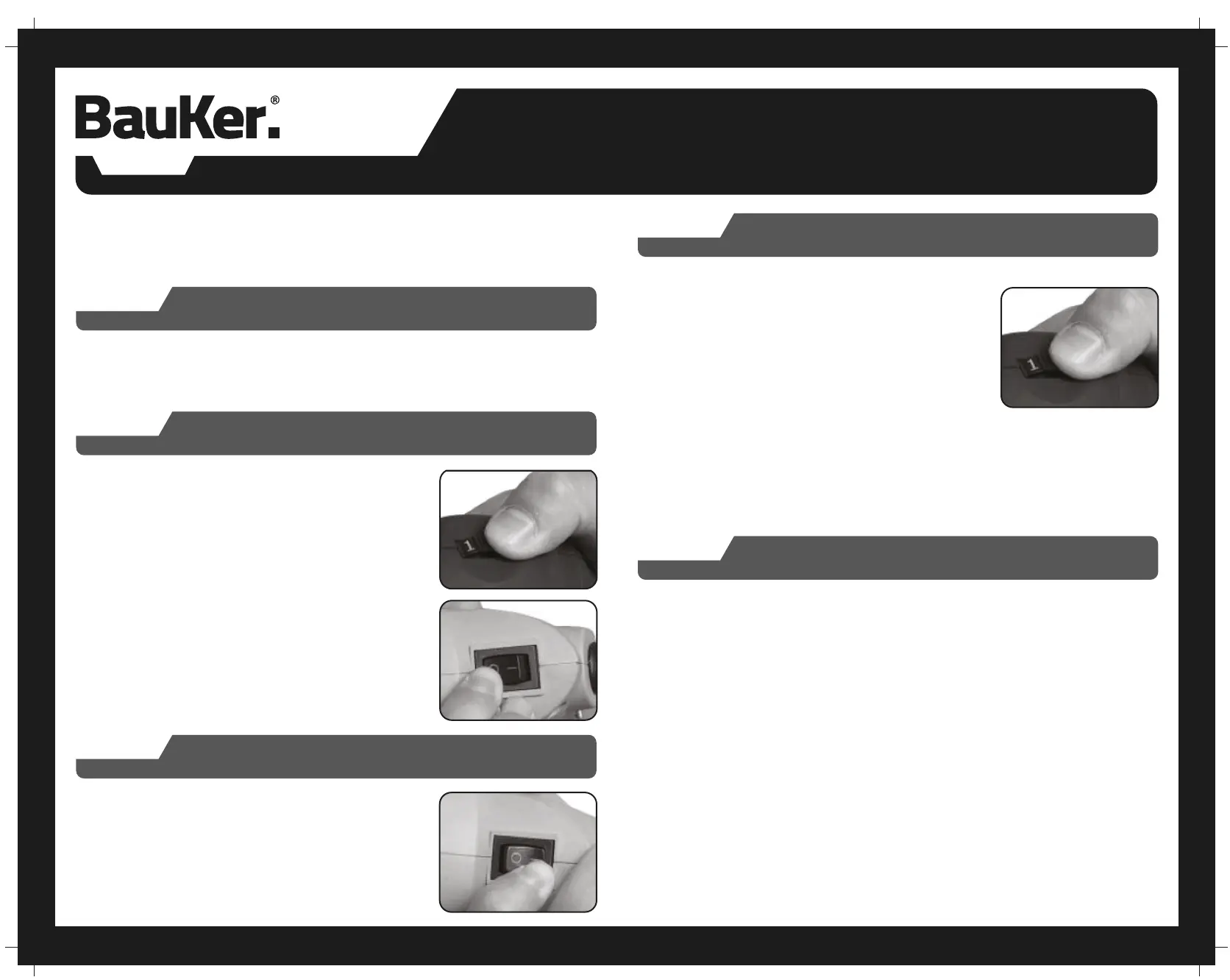
Set the variable speed dial (6) to 1 and press the on / off
switch (5) to "l", the machine is in continuous operation, and
will start at minimum speed.
Switched on
Slide the speed dial (6) in 1 and press “0” to switch the tool
off.
Switch off
1. Your tool is equipped with a variable speed dial. The
speed may be adjusted during operation by presetting the
dial according to the following parameters:
• Position 1: slow speed
• Position 3: medium speed
• Position 6: fast speed
2. Select the proper speed according to the material being
worked and the type of accessory being used. Slow speeds
are designed for bigger tools and higher speeds for smaller
tools.
Using the Rotary Tool
• Small grinding/abrasive pencils – high speed
• Big grinding/abrasive pencils – slow speed
1. For best control of the Detailer’s Grip and lighter workpieces, hold the tool like a
pencil between your thumb and forefinger.
2. The “Golf Grip” method of holding the tool is used for more aggressive operations
such as grinding a flat surface or using cutoff wheels. It consists of holding the tool
using the palm of your hand and the fingers.


 To Next Page