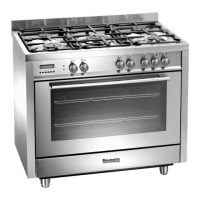
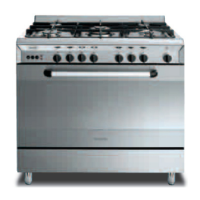
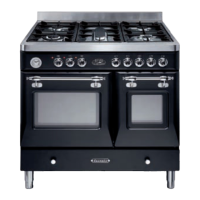
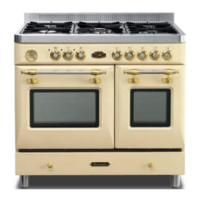
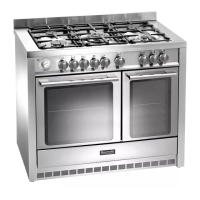
Control Panel
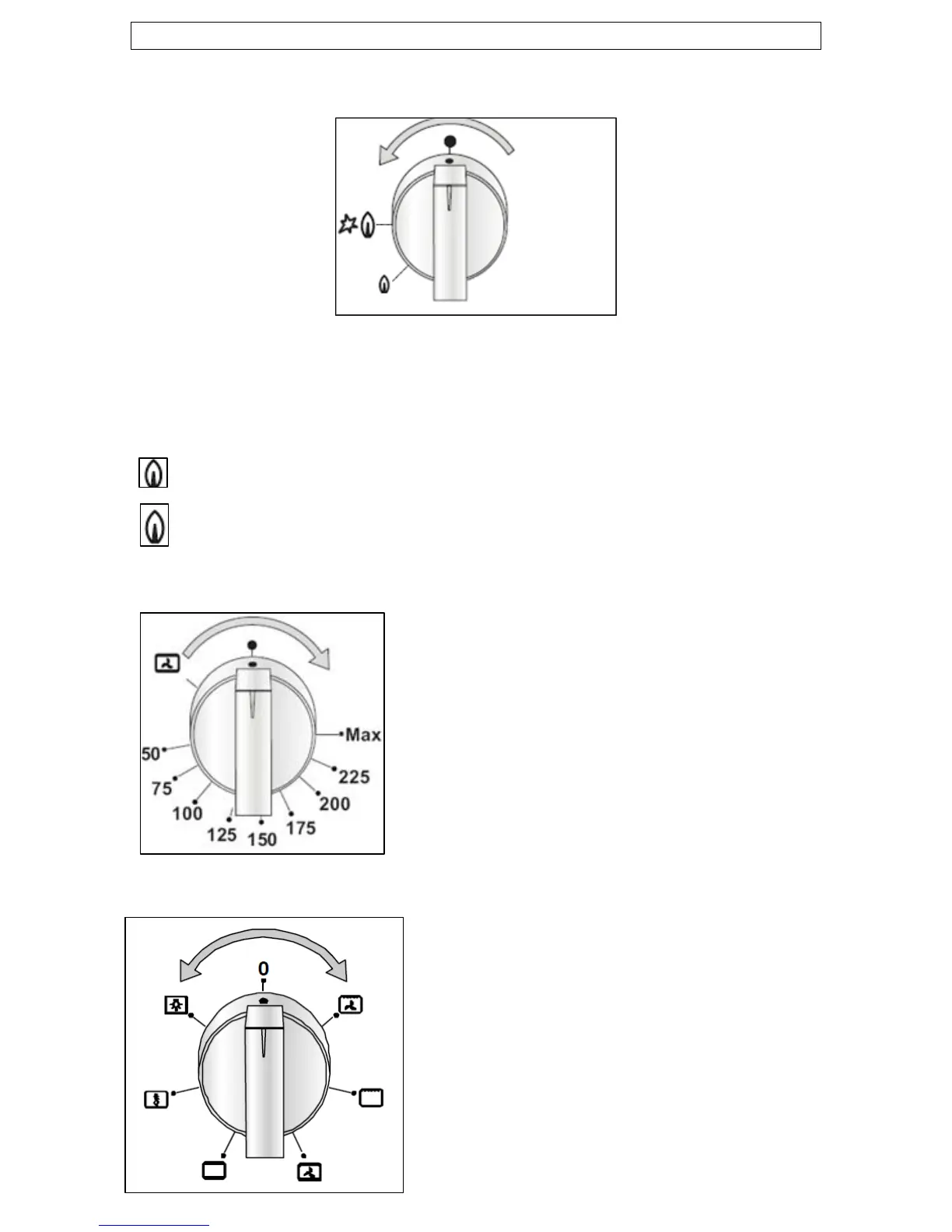
Cooking zone selection dial
o Turn the relevant dial anticlockwise to select a power level for a
chosen burner.
0 = Burner OFF position
– Low temperature
– High temperature
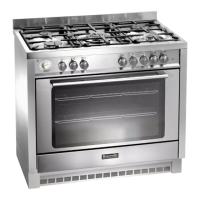
Thermostat control knob (main oven)
o Use this control knob to control the
temperature in the oven.
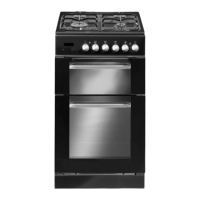
Oven function control knob
o Use this control knob to select a
function for the main oven.
11


 To Next Page