Control Panel
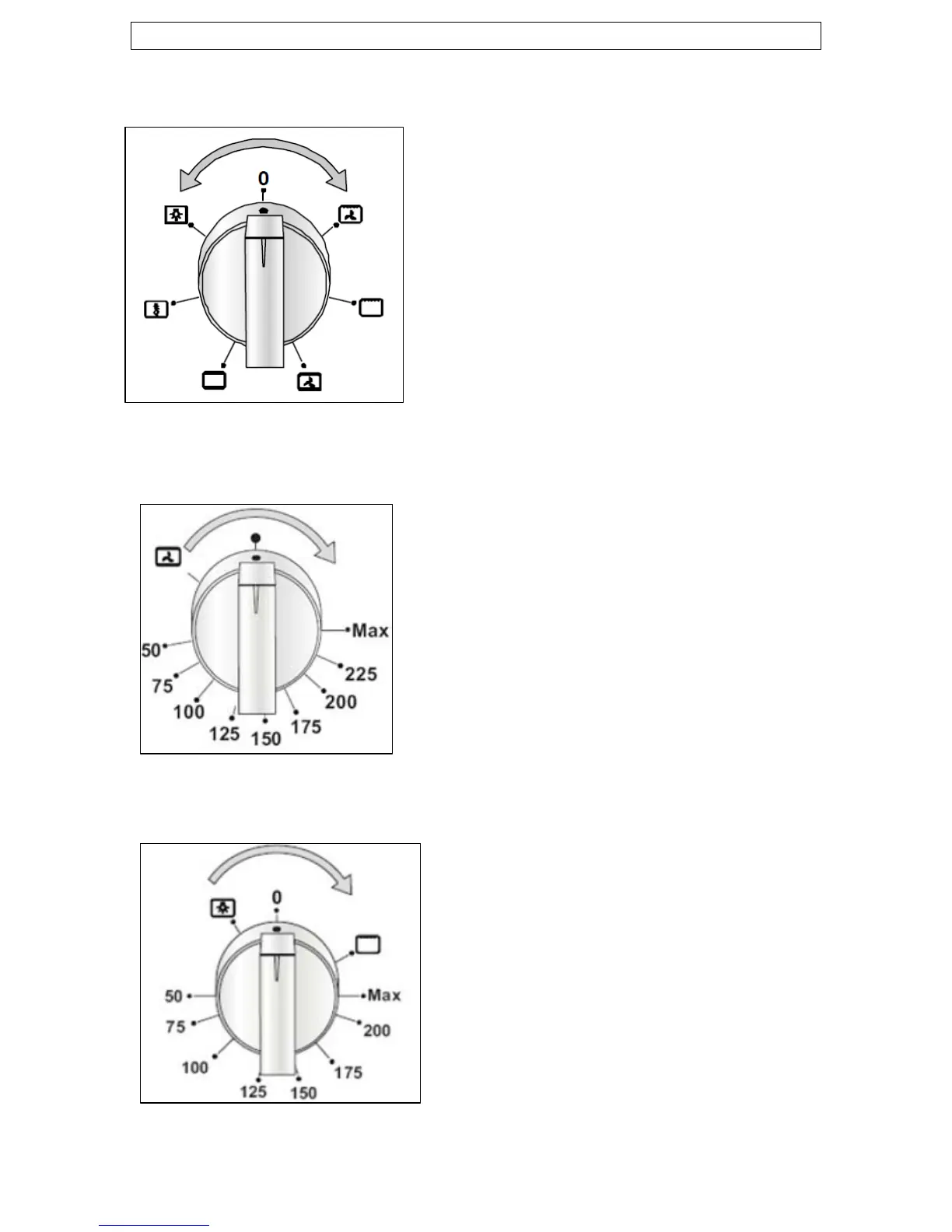
Oven function control knob
o Use this control knob to select a
function for the main oven.
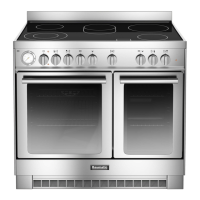
Thermostat control knob (main oven)
o Use this control knob to control the
temperature in the oven.
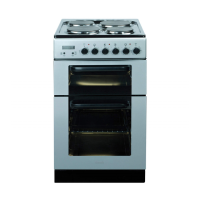
Thermostat control knob (secondary oven)
o Rotate this control knob to the
grill symbol to select the grill
oven function.
o Turn the control knob to the light
icon to switch on the oven light
and start the conventional oven
function. You can then proceed to
set the oven temperature.
11



 To Next Page