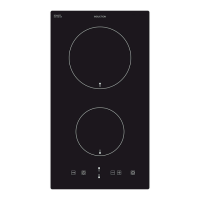
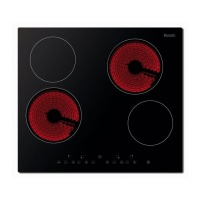
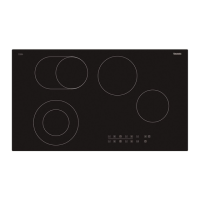
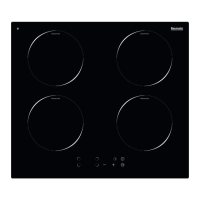
Touch controls
o All operations are performed by means of the touch controls that
can be found on the control panel.
o The controls respond to touch so you do not need to add any
pressure.
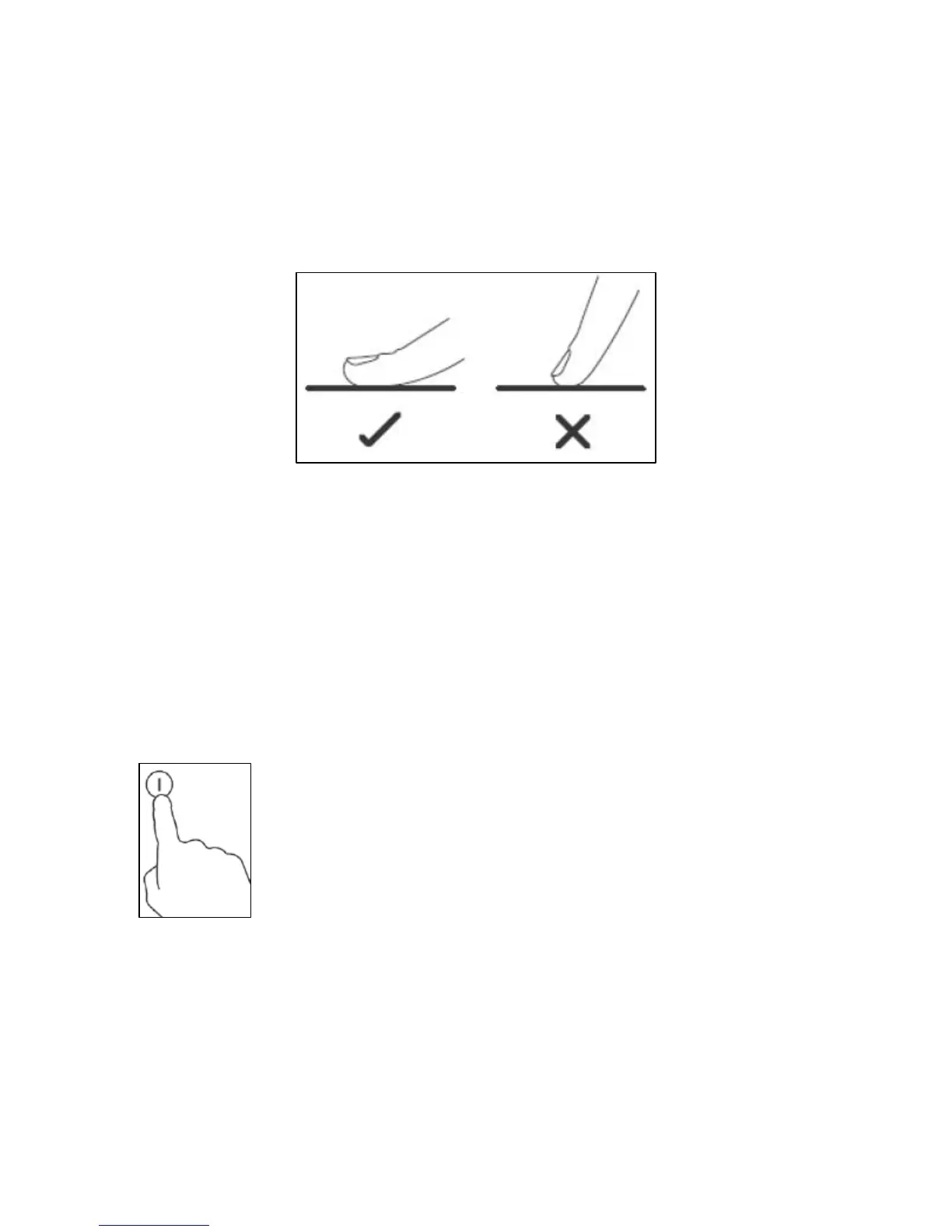
o You should use the ball of your finger not the tip when using the
controls.
o A beep will sound each time a touch is registered.
o You should ensure that the controls are kept clean, dry and that
no objects such as utensils or cloths cover them. Even a thin film
of water may make the controls difficult to operate.
Switching the hob on
o When the hob is connected to a power supply, an audible signal
will sound. All of the cooking zone indicators will show “-”. The
hob has now entered stand-by mode.
o Press the ON/OFF button.
12


 To Next Page