o You may hear a cooling fan operate for a period of time
afterwards, until the inside of the microwave has cooled
sufficiently. During this period of time, the microwave light will
remain on. The cooling fan will switch off automatically.
During operation
o If you press the door button
(5) then the door will open
and the production of
microwaves will cease
automatically. Alternatively
you can press the stop button
(F).
o The timer will stop and the LED
display (A) will continue to
show the remaining cooking
time.
o Whilst the door is open, it is
possible to stir the food stuffs
that you are cooking or adjust
its position on the rotating
plate.
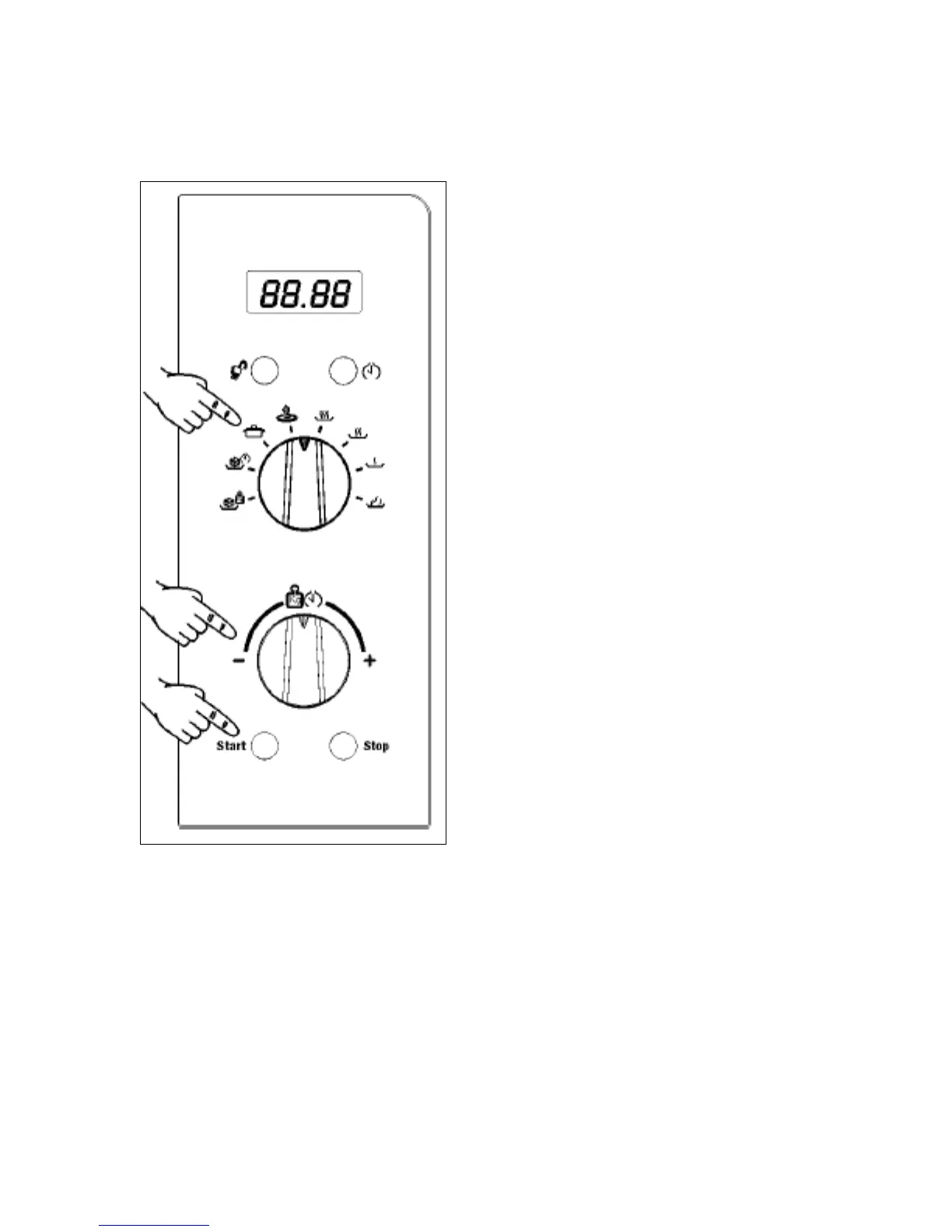
o You can change the cooking
function by turning the
function selector dial (D).
o You can change the operation
time by turning the adjustment
dial (E).
o If you press the stop button twice, this will cancel the cooking
process. The appliance will give an audible signal and the LED
display will return to showing the time of day.
16


 To Next Page