Selecting manual operation mode
After your appliance is connected to your mains supply for the
first time, the numbers on the timer display will flash. Before
you can select a cooking function or set a temperature, you
must set the appliance into “manual operation” mode.
o To select manual operation mode, press the manual operation
button (9) on the control panel.
Selecting an oven function
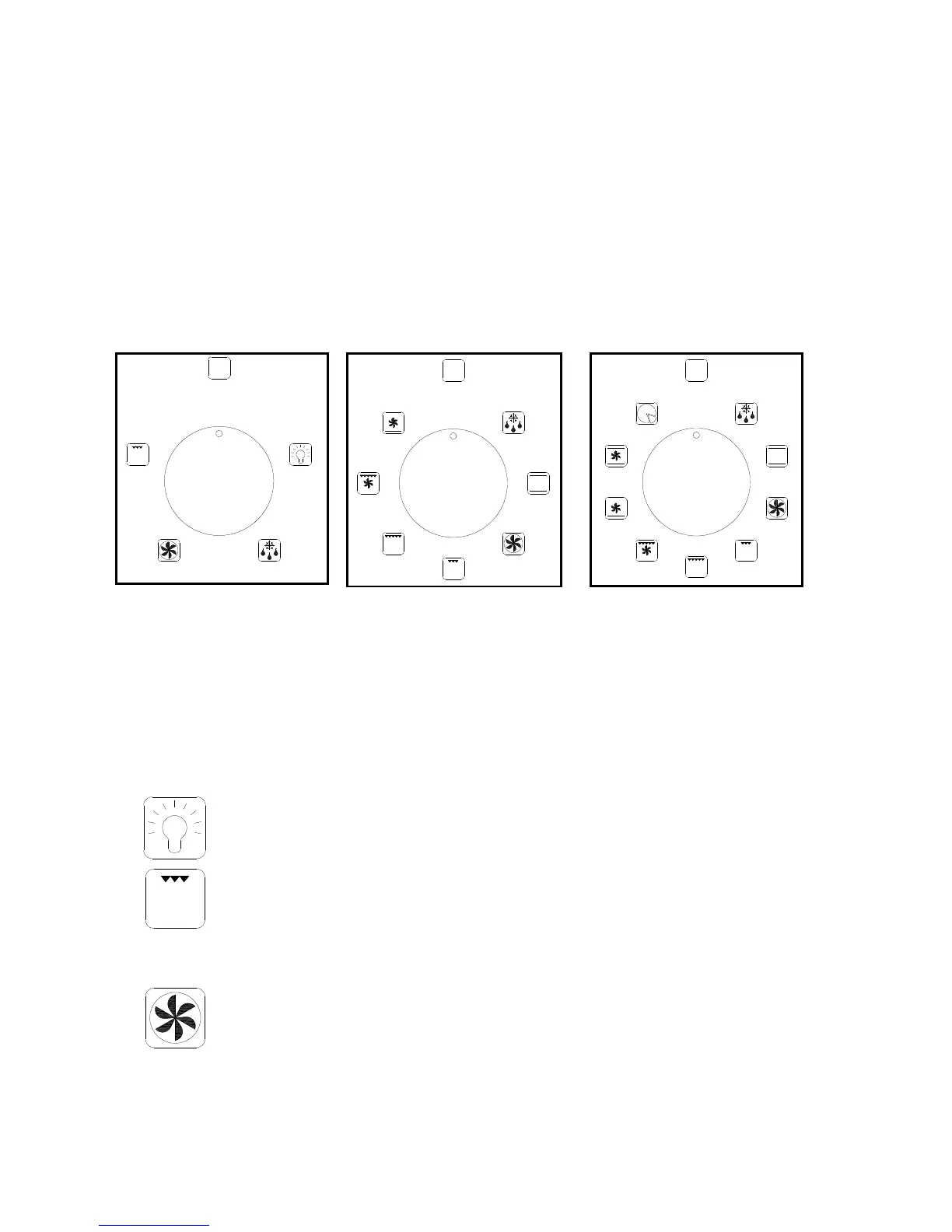
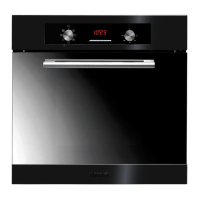
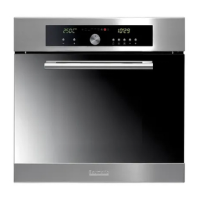
P619SS-ANZ P629BS/SS-ANZ P639BS/SS-ANZ
o The oven function selector knob should be used to select the
particular mode of cooking that you require. The appliance will
utilise different elements within the oven cavity, depending on
the oven function that you select. When a function is selected,
the power indicator light will come on.
P619SS-ANZ
oven functions
LIGHT MODE: Separate light control which allows the oven light
to be switched on, even when the oven is not heating.
GRILL MODE: This method of cooking utilises the inner sections of
the top element, which directs heat downwards onto the food. This
function is suitable for grilling portions of bacon, toast and meat
etc.
FAN OVEN: This method of cooking uses the circular element while
the heat is distributed by the fan. This results in a faster and more
economical cooking process. The fan oven allows food to be cooked
simultaneously on different shelves, preventing the
transmission of smells and tastes from one dish on to another.
0
0
0



 To Next Page