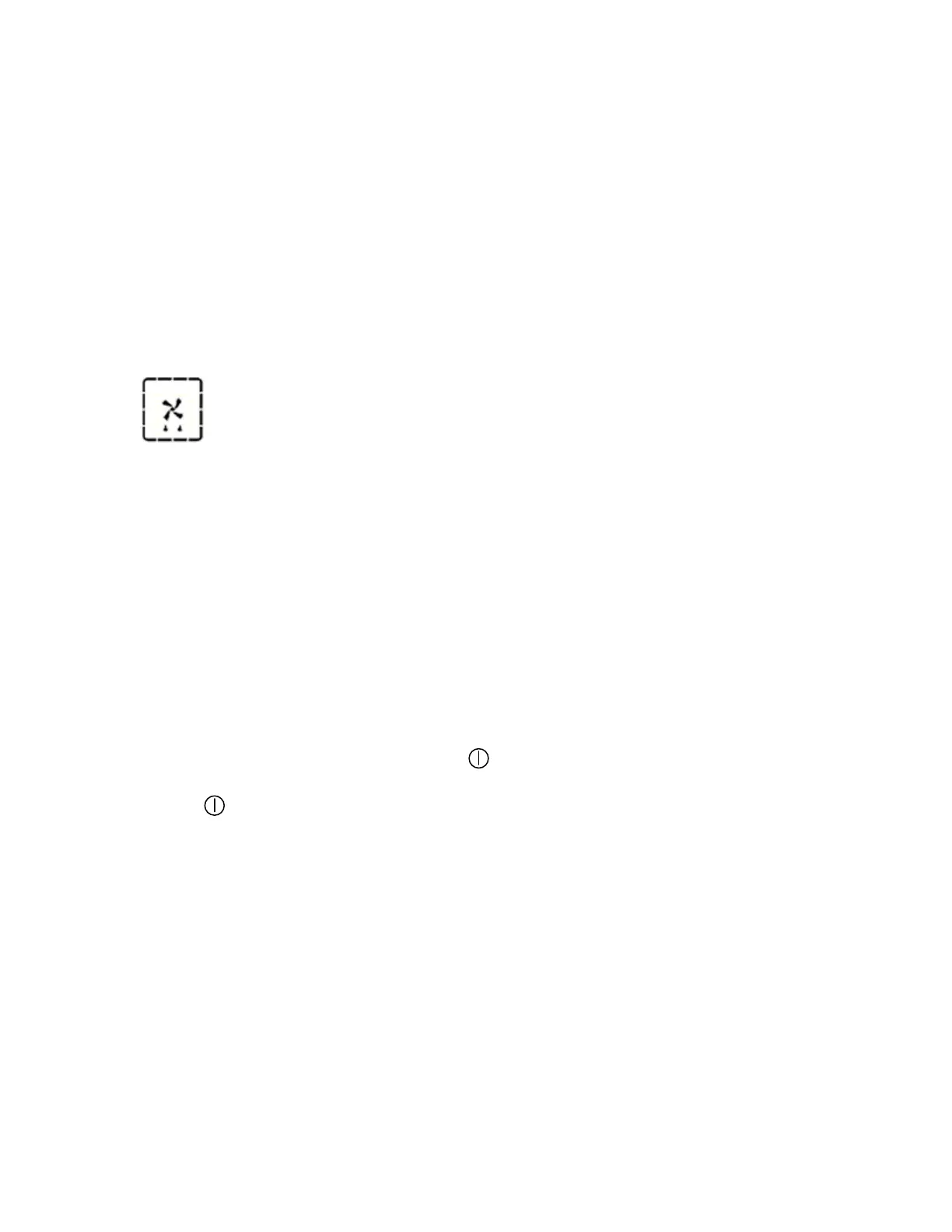
o At this point, you should place your food in the oven and select
an appropriate cooking function and temperature.
o IMPORTANT: Please note that it is not possible to adjust the
temperature that the oven is heating to during the rapid pre-
heating function.
Rapid defrost function
o Once the oven is switched on, turn the joystick control knob until
the cooking function segment (MENU) is lit.
o Press the joystick control knob once to select the MENU
segment. The oven function display (1) will show the cooking
function that is currently selected.
o Turn the joystick control knob until the defrost symbol
appears on the oven function display (1).
o Once you have confirmed the defrost function, turn the joystick
control knob until the oven temperature segment (TEMP) is lit.
o Press the joystick control knob once to select the TEMP segment.
o The oven temperature display will show 80°C.
o Press the joystick control knob again to activate the rapid defrost
function.
Switching off the oven
o To switch the oven off, the symbol must be lit. If it isn’t lit,
then turn the joystick control knob until the ON/OFF segment
( ) is lit.
o Press the joystick control knob once.
o The word “OFF” will appear on the left hand display and there
will be a brief audible signal.
18



 To Next Page