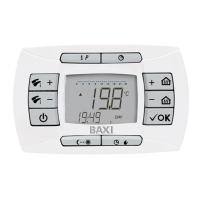
926.655.1 - GB
5
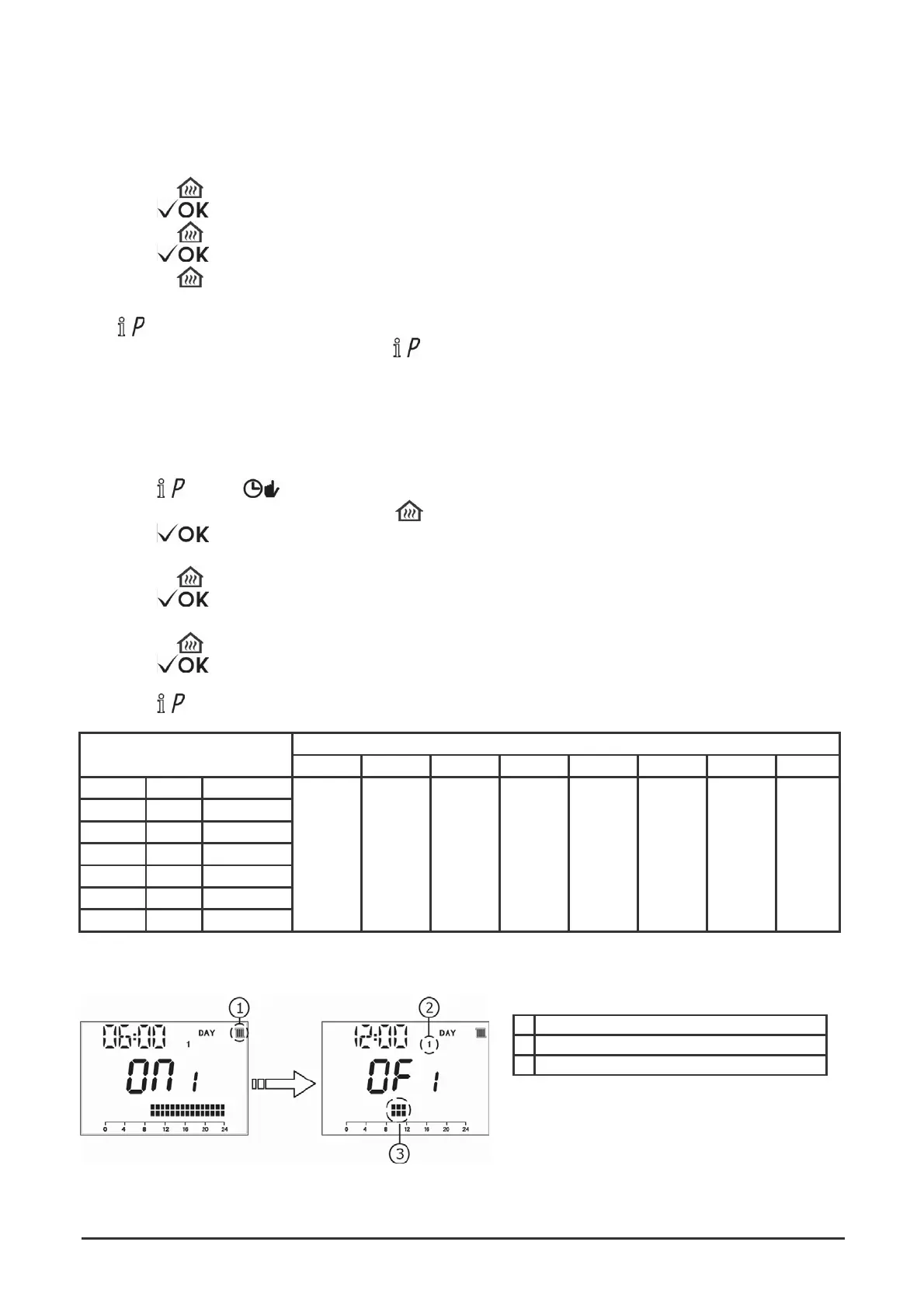
1 HEATING programming
2 Day of the week - MONDAY
3 Programmed time band 09:00-12:00
SETTING TIME AND DATE
The first time that the boiler is turn-on or after it has been electrically disconnected for a while, a time and date setting have to be
run (flashing hour symbol).
Follow the following instructions:
1. Press +/-
2. Press
3. Press +/-
4. Press
to adjust the hours;
;
to adjust the minutes;
;
5. Press
+/-
to set the of the week
“DAY”
(1...7 corrisponding Monday...Sunday).
Press to exit DATE-TIME setting.
In order to modify set time and date, press the button
: for few seconds the display will show “PROG” and the time starts to
flash, then proceed as described above.
PROGRAMMING (PROG) - AUTOMATIC
HOURLY PROGRAMMING IN HEATING MODE
1. Press
and then
;
2. Select a day of the week (1...7) by pressing +/-
repeatedly;
3. Press
;
4. The display shows
”on 1” and the four time digits start flashing, as shown in the following figure;
5. Press
+/-
to set the boiler switching on time;
6. Press ;
7. The display shows
”of 1” and the four time digits start flashing;
8. Press
+/-
to set the boiler switching off time;
9. Press ;
10. Repeat the operations from point 4 onwards to set the remaining three time bands;
11.
Press
to exit the function.
FACTORY SETTING
On 1 Of 1 On 2 Of 2 On 3 Of 3 On 4 Of 4
MONDY DAY 1 (monday)
TUEDY DAY 2 (tuesday)
WEDDY DAY 3 (wednesday)
THUDY DAY 4 (thursday)
FRIDY DAY 5 (friday)
SATDY DAY 6 (saturday)
SUNDY DAY 7 (sunday)
06:00
08:00
11:00
13:00
17:00
23:00
24:00
24:00
VISUALIZATION DISPLAY DURING THE PROGRAMMING PHASE



 To Next Page