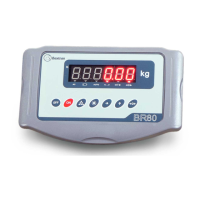
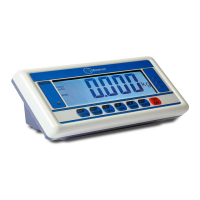
ENENUSER’S MANUAL BR80-BR90
30
7
Press
Adr 00
Continuous output: Adr=00
8
Press
Press
b 2400
b 4800
Baut rate range: 1200 -> 2400 -> 4800 -> 9600
For example: b=4800
9
Press
0
Press to confirm configurations and go to
calibration menu.
* Note: one time accumulation is allowed for weighing once. Following accumulation is allowed for weighing only when displayed value
is below 20 d..
7. CALIBRATION
STEP OPERATION DISPLAYING CONTENIDOS
1
Whenit’soff,holdthekeydown
,press
to turn it on.
Wait for the test to be carried out
andaccesstheweighingscreen,
release .
Self test of
UEr 1.6
0
,until
9
0
Start computer with pressed.
2
Press
Press
CAL SP
CAL 00
Enters calibration.
Zero the scale.
3
Press
------
3000
Starts zero calibration and wait for calibration
to complete.
4
Load the standard weight for F·S on
theplatform,press
------
3000
Starts calibration and wait for calibration to complete.
Calibration must be done once the parameters are configurated.
Pressed
threetimesduringcalibrationorconfiguration,theindicatorwilldisplay.
ToviewtheA/Dcounts,pressthe key when
-A-d-
is displayed.
Press the
key to return to weighing mode.



 To Next Page