ES FR ENG
User’s guide
MPI
15
6. When the total is shown, pressing will clear all the data on memory.
Pressing
numerical keys will exit this mode without clearing the recorded data.
3. SETTING AND CALIBRATION
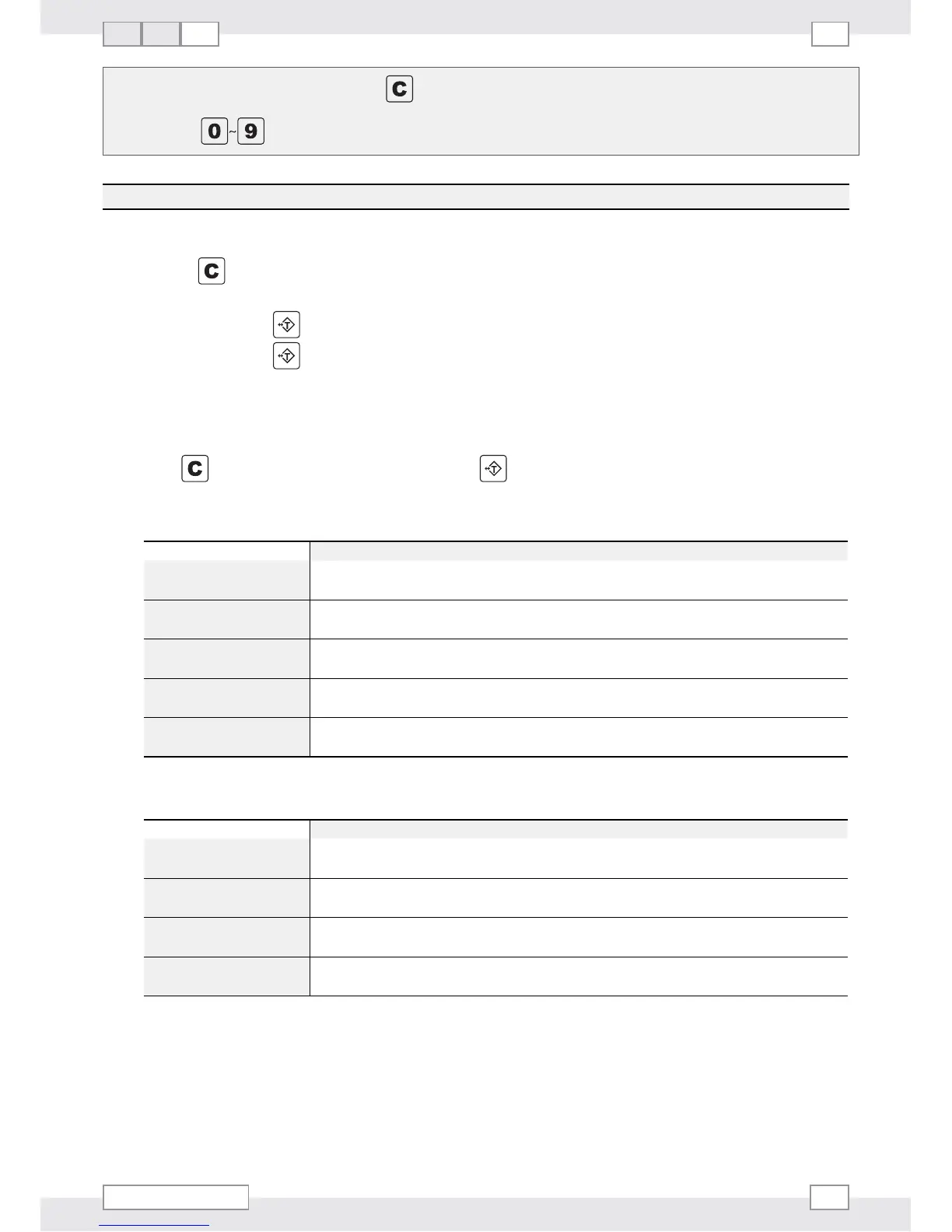
1. Press and hold any key while powering on the scale ON. CAL is shown on the LCD display.
2. Press
to cycle through the calibration menus: CAL 1 and CAL 2.
Select CAL 1, press
to enter General Setting menu.
Select CAL 2, press
to enter the Calibration Procedure (need to remove the jumper, JP3, from the PCB
first. Put JP3 back when the calibration is complete).
GENERAL SETTING (CAL 1)
Press to toggle amount the options, and press to confirm your setting.
1.
Aut. oFF
- AUTO SHUTDOWN SETTING
DISPLAY EXPLANATION
Aut. oFF
0
Disable shutdown function.
Aut. oFF
1
If no operation, shutdown the scale in 5 minutes.
Aut. oFF
2
If no operation, shutdown the scale in 10 minutes.
Aut. oFF
3
If no operation, shutdown the scale in 20 minutes.
Aut. oFF
4
If no operation, shutdown the scale in 30 minutes.
2.
bL
- BACKLIGHT SETTING
DISPLAY EXPLANATION
b. LigHt
0
Shut down backlight
b. LigHt
1
Turn on backlight
b. LigHt
2
Automatic backlight
b. LigHt
3
Manual.


 To Next Page