13
OPERATION
gain to the program level after the threshold point has been exceeded by the incom-
ing signal. Generally, set shorter attack times on outputs that are feeding mids and
highs and longer attack times for lows and subs. The time should be chosen care-
fully as the danger of dynamics distortion usually increases with shorter attack
times. The attack time of the DS24/DS26 can be set within a range of 1 to 100 mil-
liseconds.
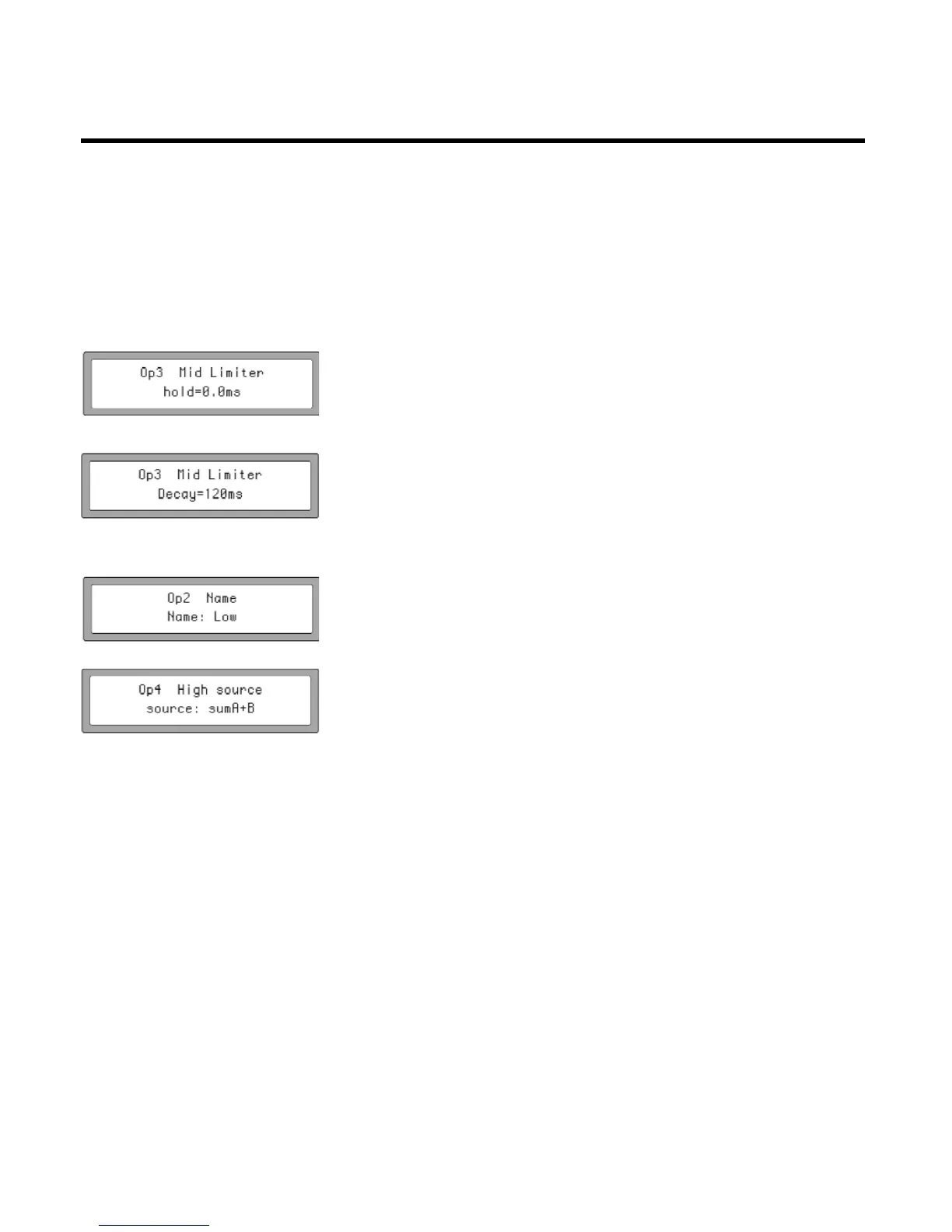
3.Hold determines how long the limiter's gain reduction stays in place, even after
the input signal has fallen below the Threshold. Use this to smooth out "choppi-
ness", "pumping" or other artifacts that may occur under certain settings and pro-
gram material. The hold time of the DS24/DS26 can be set within a range of 0.0 to
1000 milliseconds in 10ms increments.
4.Decay [should be “Release”]This control determines the how quickly the limiter
removes the gain reduction and returns the signal to unity gain once the input sig-
nal has fallen below threshold. In instances where the limiter is constantly and
repeatedly activated, a longer Decay time will prevent excessive retriggering and
provide a more consistent signal. This control can be adjusted from 10ms to
1000ms in 10ms increments.
7.6.1.9 Name of channel:
This function allows you to choose a name or label for an output channel. There is
a fixed list of 32 choices to choose from. Use the PARAM Rotate to change the chan-
nel name.
7.6.1.10 Input Signal:
In this menu, LCD displays the current input channel for the selected output. This
parameter cannot be adjusted, but can be checked for set-up and monitoring pur-
poses.


 To Next Page