23
GRAPHICAL USER INTERFACE (GUI)
Erase All will erase all programs in the memory table and in the device. There is a
confirm screen before this command executes.
Exit will close the window.
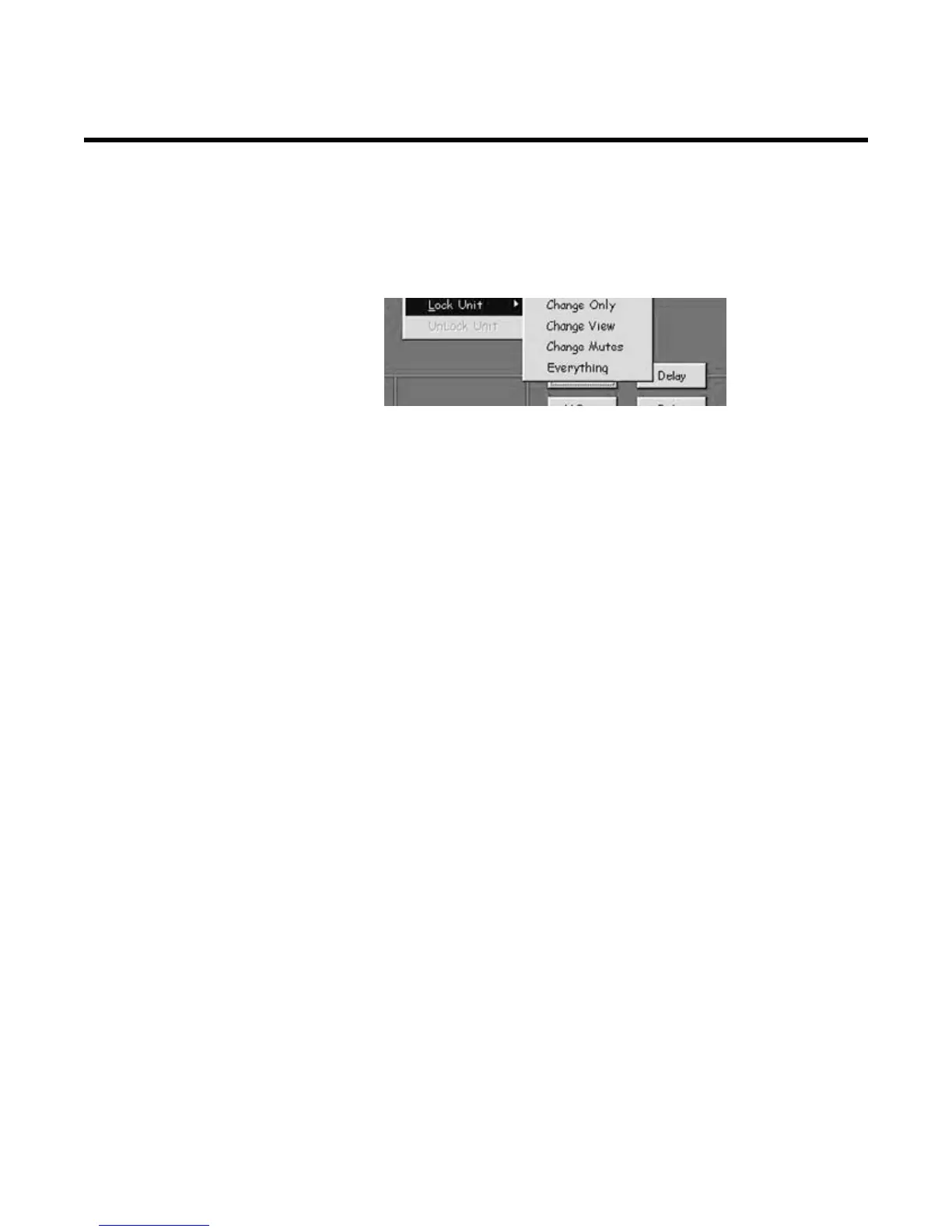
8.6 Lock Unit
Found under config dropdown menu
Provides four options for security lockouts in the pull-down menu. Make your selec-
tion and enter your password in the text box. You will then need to confirm the pass-
word and OK the lockout. To unlock the unit, under the Config menu, click on Lock/
Unlock Unit. Enter the password in the text box and click OK. Then click on the Clear
Password box.
NOTE: If you forget the password, there is a code to unlock the unit so you can reset
the password: COLO
8.7 Help
Provides the version information


 To Next Page