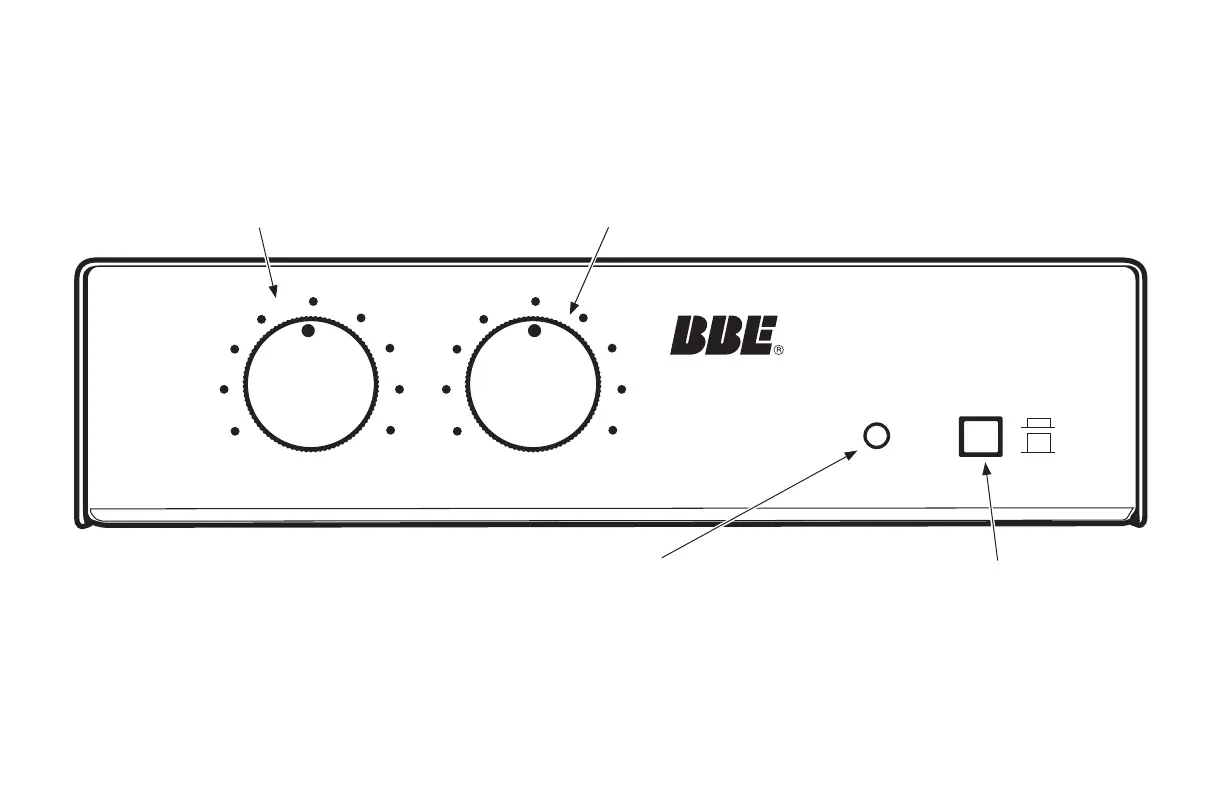
LO CONTOUR CONTROL
Regulates the amount of phase
corrected low frequencies.
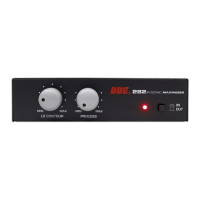
FRONT PANEL (all 282i models)
MIN MAX
LO CONTOUR
MIN MAX
PROCESS
IN
OUT
282iQ SONIC MAXIMIZER
IN/OUT BUTTON
Engages the Sonic Maximizer Pro-
cess. When the button is in, the BBE
Process is on. When the button is
out, the BBE Process is off.
LED INDICATOR
When LED indicator is RED, Sonic
Maximizer function is off. When it
shows GREEN, Sonic Maximizer
function is on.
PROCESS CONTROL
Regulates the amount of phase
corrected high frequencies.
4


 To Next Page