4
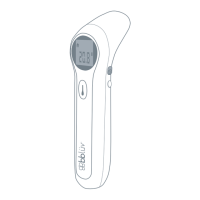
second, after that, the screen panel is in
full display for one second and then it goes
on Standby showing your selected options.
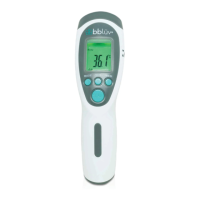
2. Press the °C/°F Button to select the desired
temperature unit.
3. Press the MODE Button to change the type
of temperature you want to measure.
• SURFACE TEMP mode: aim at any surface
(liquid or solid);
• BODY mode: aim at any part
of the body, usually forehead, ears
and armpit (never aim at the eyes!);
• ROOM mode: just press on the SCAN
button and the room temperature will
be displayed.
• Aim the lens towards the chosen surface
or body part to read at a distance
of 1 to 2 inches (3 to 5 cm) and press
the ON/SCAN button to take a reading
within 1 second.
4. In order to save the batteries, the Termö will
shut off automatically after 30 seconds.
5. Press the MEM Button to recall saved
measured value. The Termö can store up
to 32 measurements.
Instructions for recalibration of the Termö
When there is a difference between Termö
and a calibrated mercury thermometer, you
can use the recalibration function to adjust
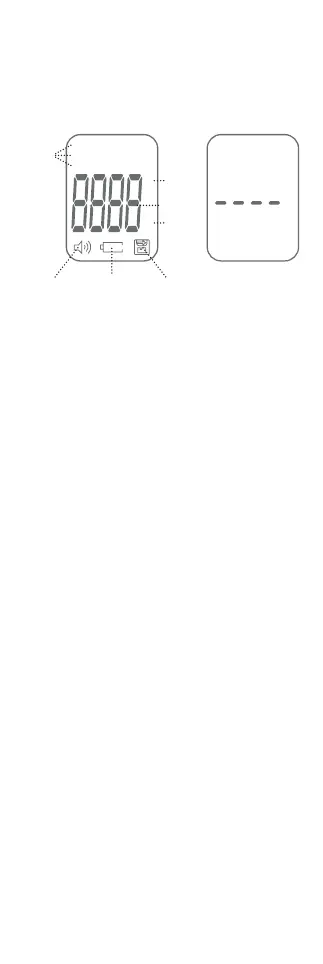
°F
°C
Surface temp
Body
Room
°C
Body
Modes
Sound
ON/OFF
Low
battery
Memory
Celsius
Temperature
Fahrenheit
FULL DISPLAY STANDBY


 To Next Page