21
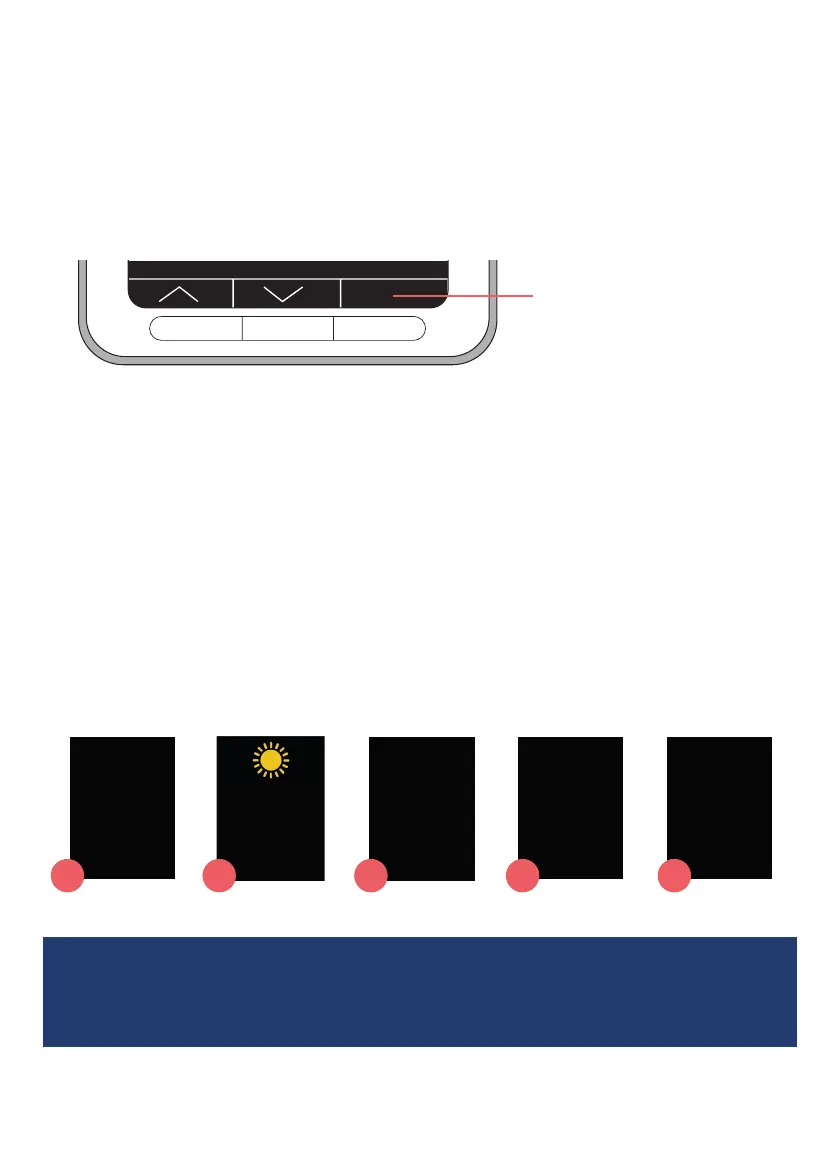
Your clock has 3 buttons that are used when changing
settings or setting reminders, to access any of these functions
it is necessary to press both outer buttons at once, so this can’t
be done accidentally when in use. Pressing these buttons
displays a Reminder Overview screen, that shows all reminders
set on the clock.
OK
Button functions shown on
the screen
In dierent menu screens, these buttons may have a dierent
function. Their function will always be shown through the words
and symbols displayed at the bottom of the screen.
Choose the right display for you
The clock can display the 5 dierent screen modes as shown
below. Each screen is available in 3 dierent colourways. See
Changing Settings on page 11 for more detail on how to do this.
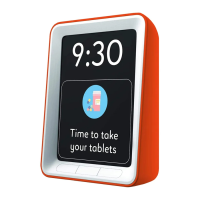
• Choose the best place for your clock, keep it close and in clear view
• It can be stood on a table or wall mounted
Monday
Morning
18 January 2021
9:30
Monday
Morning
9:30
Monday
Morning
9:30
Morning
18 January 2021
9:30
Now it’s
Monday
Morning
1
2 3 4 5


 To Next Page