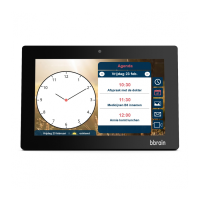
28
4. To edit the required setting, navigate to its place in the
menu using the left and middle buttons and press the right
button (edit) to edit. The following settings can be changed:
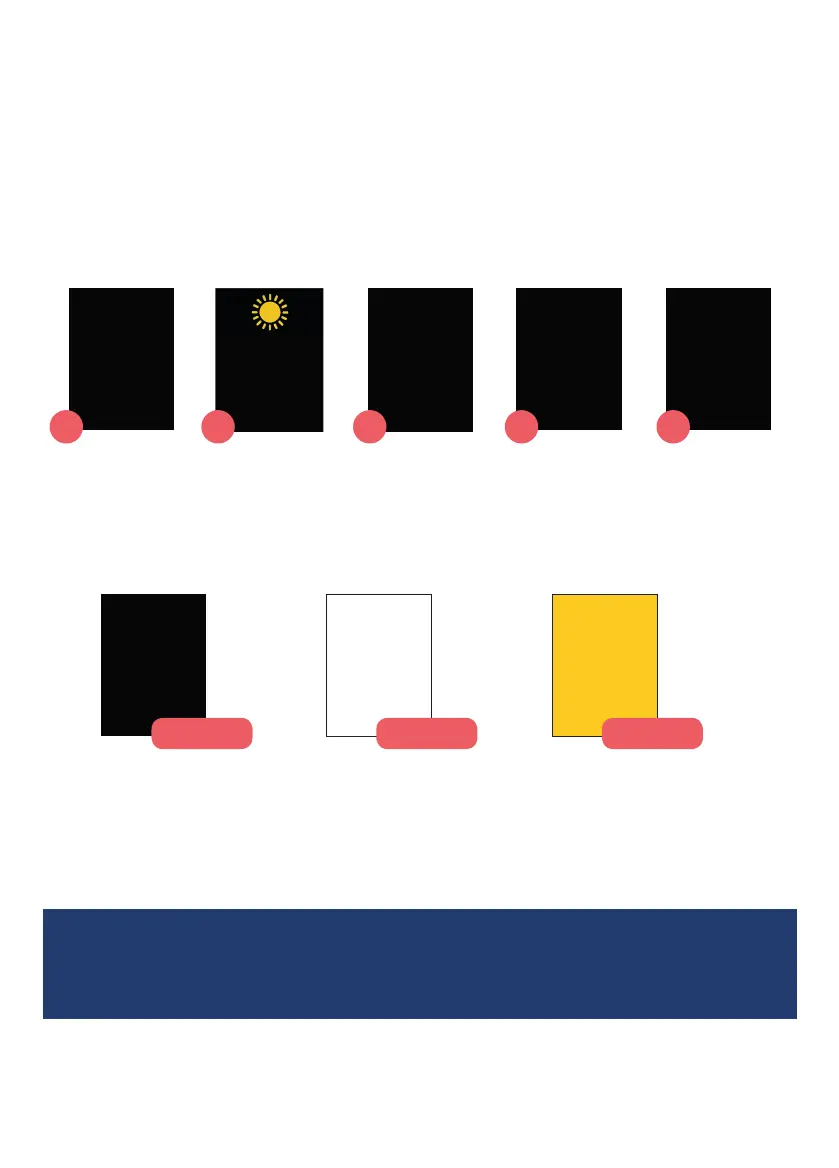
Display mode
Choose the type of clock display screen from the 5 below, to get
the right amount of information.
1
2 3 4 5
Display colour
Choose the colour of the clock display to make it as easy to see
as possible.
1
Time set
Set the time of the clock if it is not correct or needs changing for
daylight savings.
• If you get stuck at any point in the setup menu, simply turn the clock
o and on again at the wall socket. It will return to the clock display.
Monday
Morning
18 January 2021
9:30
Monday
Morning
18 January 2021
9:30
Monday
Morning
18 January 2021
9:30
Zwart
Wit
Geel
Monday
Morning
18 January 2021
9:30
Monday
Morning
9:30
Monday
Morning
9:30
Morning
18 January 2021
9:30
Now it’s
Monday
Morning
1
2 3 4 5



 To Next Page