26
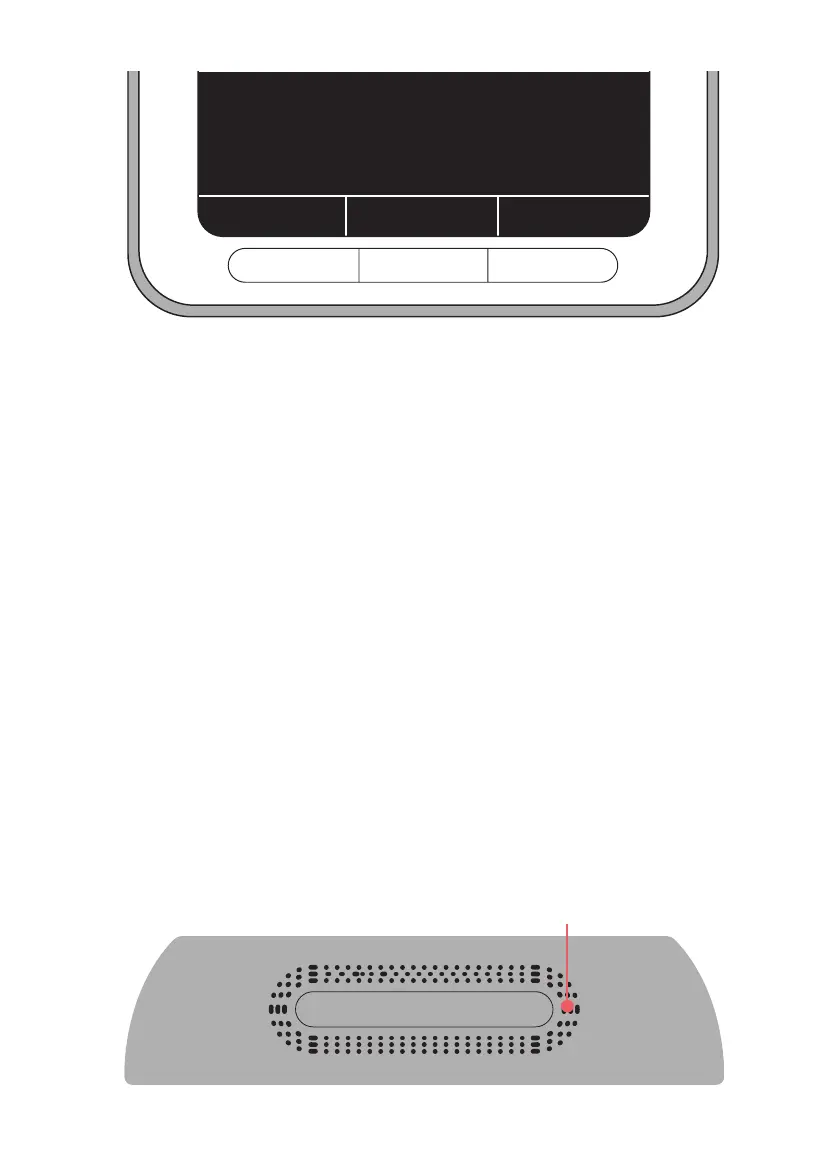
2. Press ‘record’ to begin recording your message and ‘stop’ to
nish recording it. You can listen back using the ‘listen’
button. If you want to record the message again, simply
press ‘Record’ again. It’s best to record a message that is as
short and clear as possible, there is 12 seconds of recording
time.
3. Once you are happy with the message press ‘OK’ to conrm
Follow steps 6-9 from ‘To set a reminder alarm’ to nish setting
your reminder.
Tip: Speak close to the microphone to record the clearest
message. The microphone is on top of the clock to the right of
the button. You may also want to turn up the volume, see how
on page 29.
Microphone is located here
Record a voice reminder using the
buttons below
Record
Listen
OK


 To Next Page