EFFECT CHANGE
Timbre Change
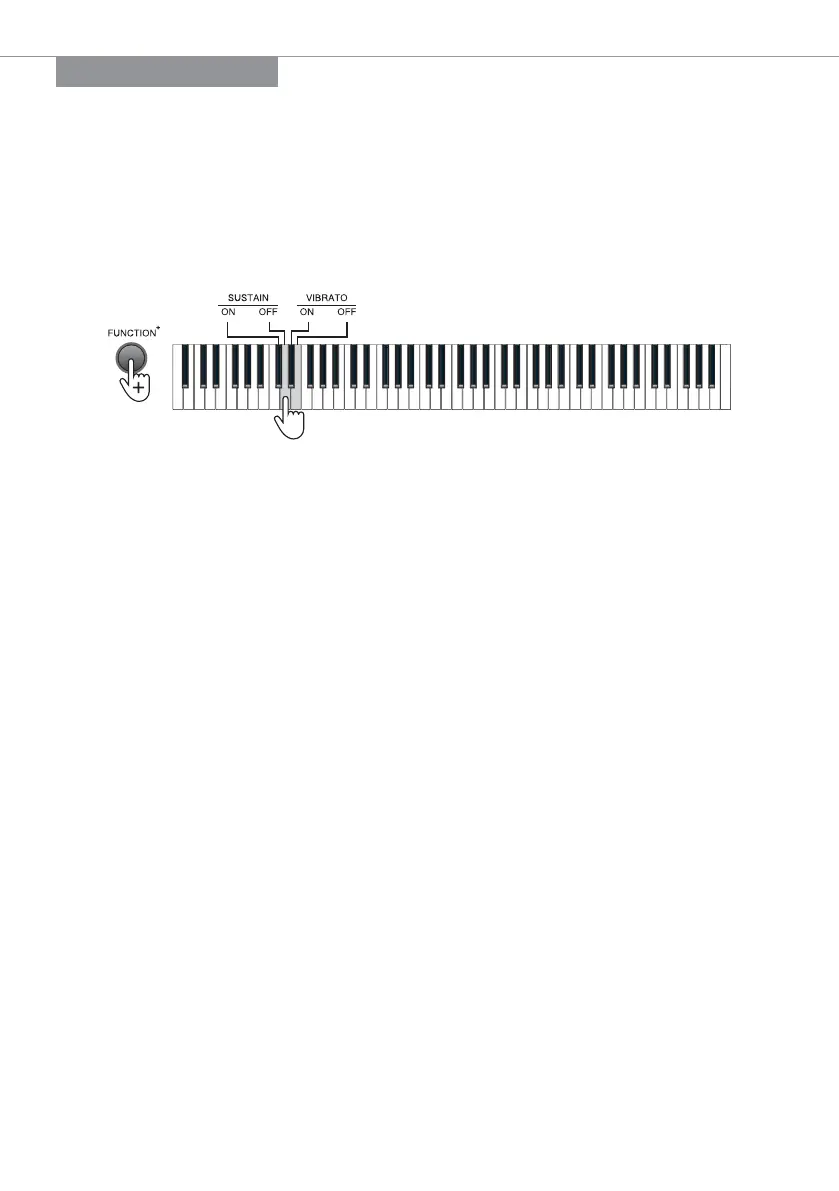
Sustain: Prolong the lasting time of a pitch.
Press the [FUNCTION+] button + the [SUSTAIN - ON] key to enable the sustain eect.
Press the [FUNCTION+] button + the [SUSTAIN - OFF] key to disable the sustain eect.
Vibrato: Add a pulsating change to the pitch.
Press the [FUNCTION+] button + the [VIBRATO - ON] key to enable the vibrato eect.
Press the [FUNCTION+] button + the [VIBRATO - OFF] key to disable the vibrato eect.
Soft Pedal: Decrease the pitch volume.
Press and hold the [soft pedal] to enable the soft eect, and release the pedal to
disable such eect.
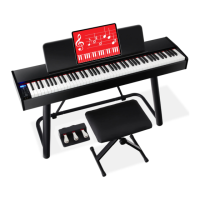
NOTE: This function is only supported by the configuration with the optional three pedals.
Sustain Pedal: Prolong the lasting time of a pitch.
Press and hold the [sustain pedal] to enable the sustain eect, and release the pedal to
disable such eect.
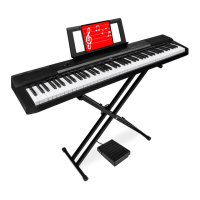
NOTE: This function is supported by both configurations with a single pedal or three pedals.
Damper Pedal: Prolong the lasting time of the pressed key.
Press and hold the [sustain pedal] to enable the damper eect, and release the pedal to disable
such eect.
NOTE: This function is only supported by the configuration with the optional three pedals.
| 7


 To Next Page