BDCOM GP3600-16 GPON Hardware Installation Manual
- 15 -
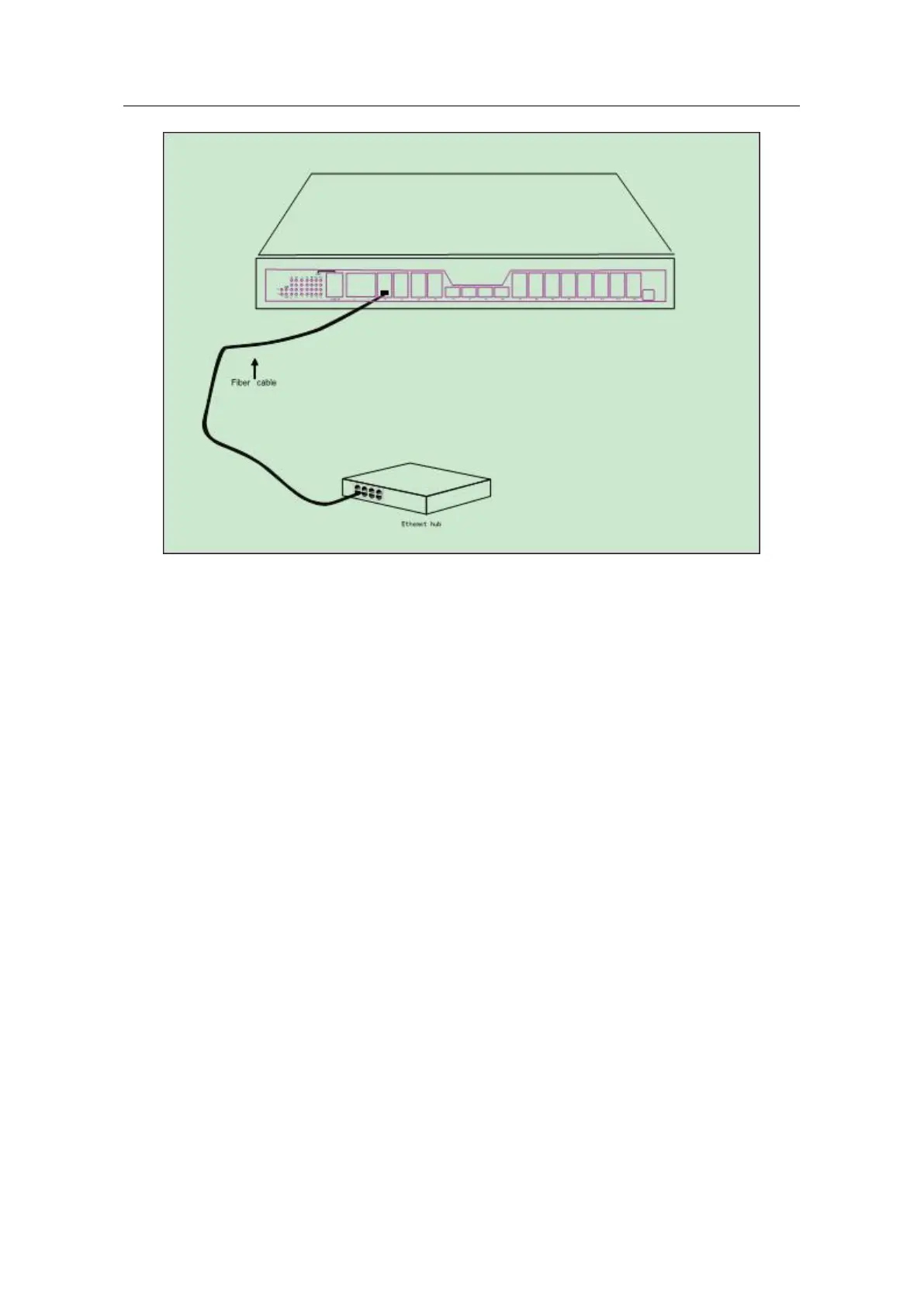
Figure 3-7 Connecting the gigabit optical port and other Ethernet devices
3.3.4 Connecting Ethernet Gigabit TX Port
BDCOM GP3600-16 GPON provides 4 fixed gigabit optical/electric Ethernet ports
(G1~G4). On the right side are LINK/ACT indicators.
When using the ports (G1~G4) as the TX ports, they cannot be used as the optical
ports.


 To Next Page