219
• Press the " " button repeatedly until the "Dehumidify" icon lights up and
the screen displays " ".
• In this mode, the blower speed is automatically selected by the device.
SETTING THE TIMER
The timer function allows you to program the unit to turn on and off to optimize energy
consumption and avoid unnecessary power consumption.
How to program the switch-on time:
Switch on the unit and select the desired operating mode, e.g. cooling, 24℃, high fan speed.
Then switch off the device.
• Press the " " button , causing the "Timer" icon and the number of hours to flash.
• Use the " " / " " button to set the desired time.
• Wait about 5 seconds until the timer is activated. The "Timer" symbol lights up.
• If you want to cancel the timer, press the timer key again or the key. This deactivates
the timer and the "Timer" icon disappears from the screen.
Deactivation of timer programming:
• When the device is in operation, press the " " button so that the "Timer" symbol
and the number of hours flash.
• Use the " " / " " keys to set the desired time.
• Wait about 5 seconds to activate the timer, meanwhile the "Timer" icon will be lit.
• If you want to deactivate the timer, press either the timer key " " or the on/off key
" " again. This will cancel the timer and the "Timer" icon will disappear from the
screen.
CHANGING THE TEMPERATURE UNIT
While the unit is operating, press and hold the " " and " " buttons simultaneously for 3
seconds to change the temperature unit.
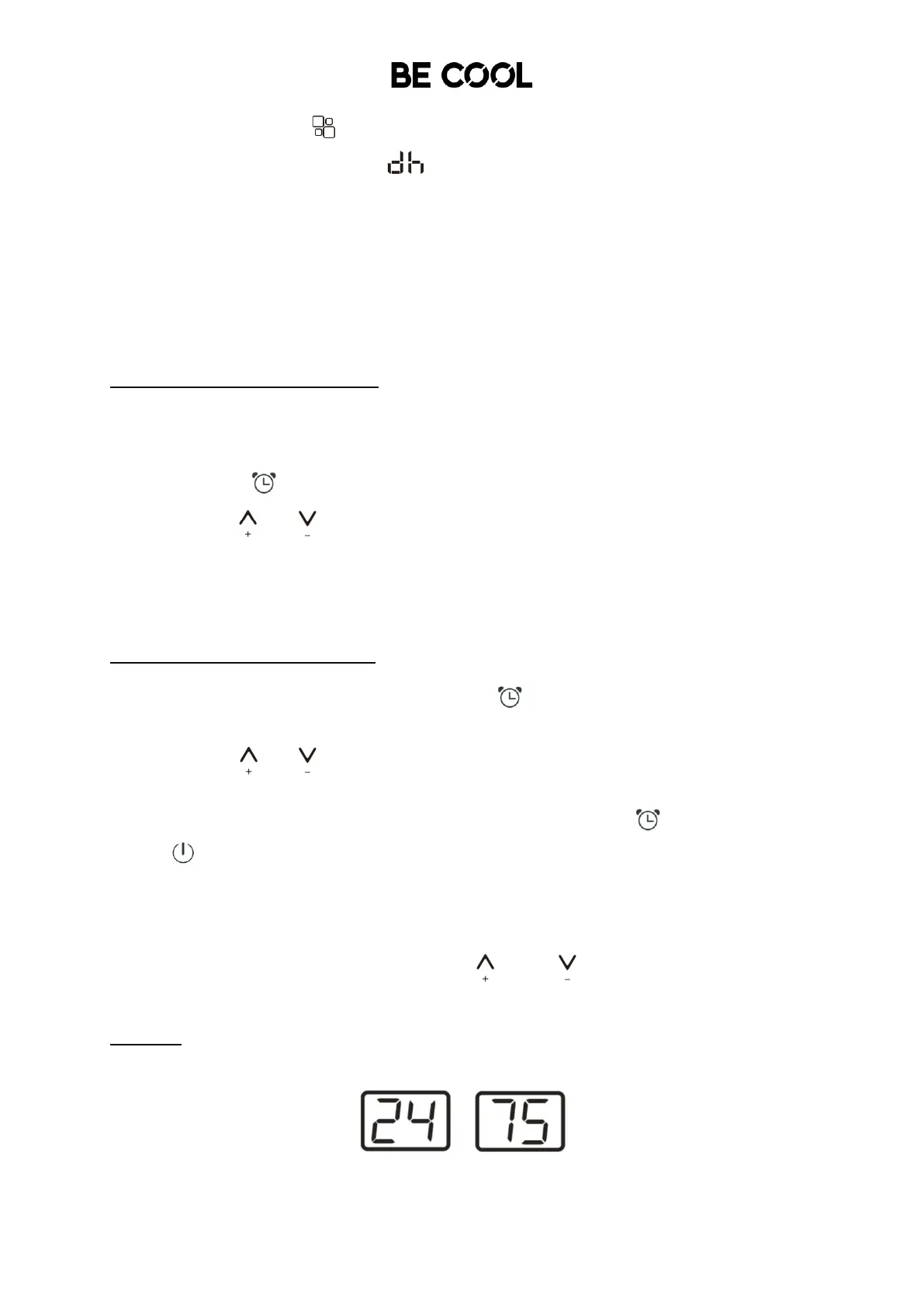
Example:
Before the change, the screen as shown in Figure 1 in is displayed in cooling mode.
After the change, the screen as shown in Figure 2 is displayed in cooling mode.














 To Next Page