E
19
OPERATION
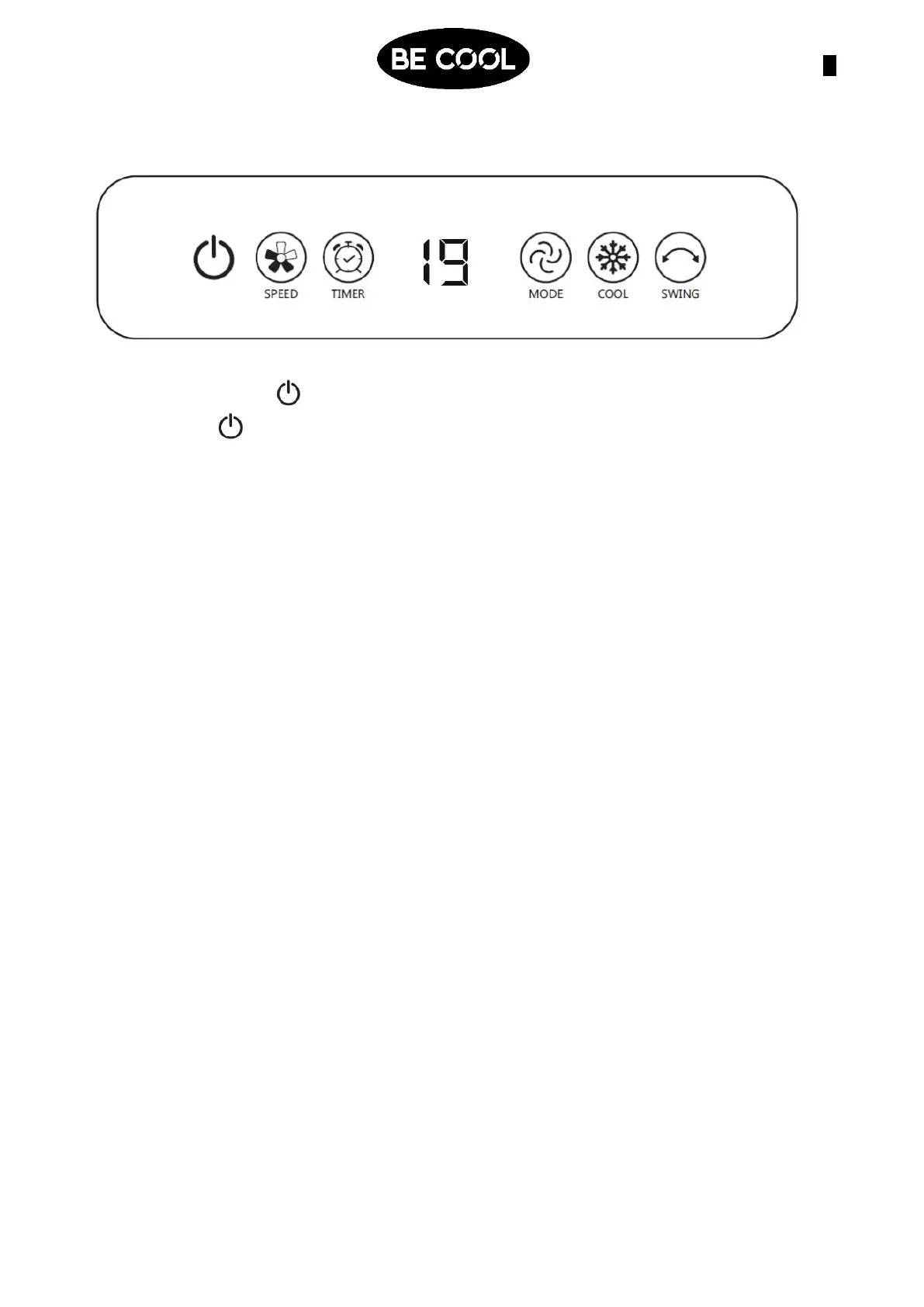
7. ON/OFF-Button :
Press the -button to switch the appliance on and off.
8. SPEED-Button:
The display will appear as follows:
F1- Low speed
F2- Medium speed
F3- High speed
When the display stops flashing, the setting is accepted.
9. TIMER-Button:
Use the TIMER-Button to switch off the appliance in a time-controlled operation.
Each time you press the timer key, the operating time is extended step by step by
one hour from 1 hour to 12 hours.
To switch off the appliance automatically, please proceed as follows: While the air
cooler is in operation, press the TIMER button repeatedly until the desired hour
duration lights up. The setting is accepted when the desired hour duration stops
flashing.
10. MODE-Button:
Use the MODE-Button to select between the following modes:
Nature mode: Press the Mode button until "AL" is displayed. The setting is accepted
when the display stops flashing.
Sleep mode: Press the Mode button until "SP" is displayed. The setting is accepted
when the display stops flashing.
11. COOL-Button:
Use the COOL button to start the function.
• Make sure that the water level indicator is above the MIN level.
• As soon as the button is pressed, the appliance starts pumping water against the
water filter to create cold and moist air, that is then blown out of the appliance.
12. OSZILLATION
• Use the SWING button to activate the oscillation of the appliance. The display on
the control panel lights up.
• Press the SWING button again to deactivate the function.














 To Next Page