14
3
Intel LGA 1700 / 1200 / 1150 / 1151 / 1155
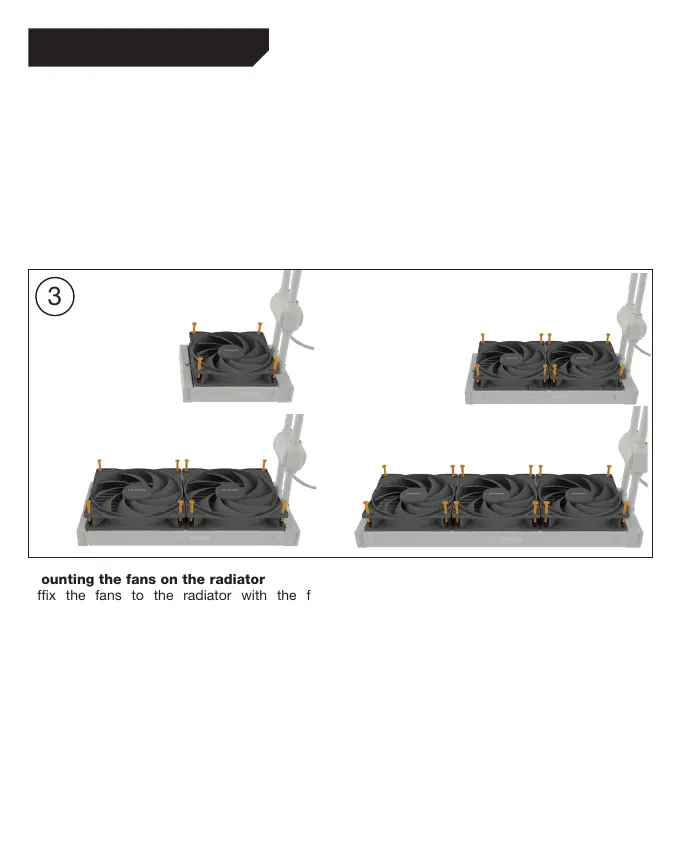
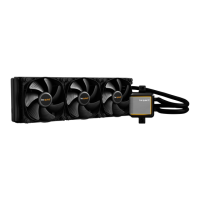
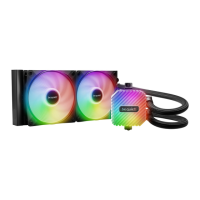
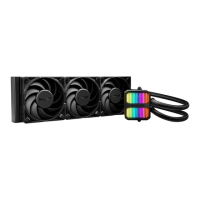
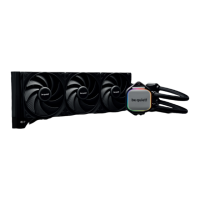
Mounting the fans on the radiator
Affix the fans to the radiator with the fan
mounting screws. We recommend installation in a
push configuration. With the fans facing towards
the model name on the radiator, mount them on
the hose side. Next connect the fans to the CPU
connection of the motherboard. You can use the
Y-cable for this.
Befestigung der Lüfter am Radiator
Befestige die Lüfter mit den Lüfter
Befestigungsschrauben am Radiator. Wir empfehlen
die Installation in einer Push Konfiguration. Die
Lüfter, mit der Modellbezeichnung auf den Radiator
gerichtet, montierst du auf der Schlauchseite.
Schließe anschließend die Lüfter an den CPU-
Anschluss des Mainboards an. Hierzu kannst du
das Y-Kabel nutzen.



 To Next Page