26
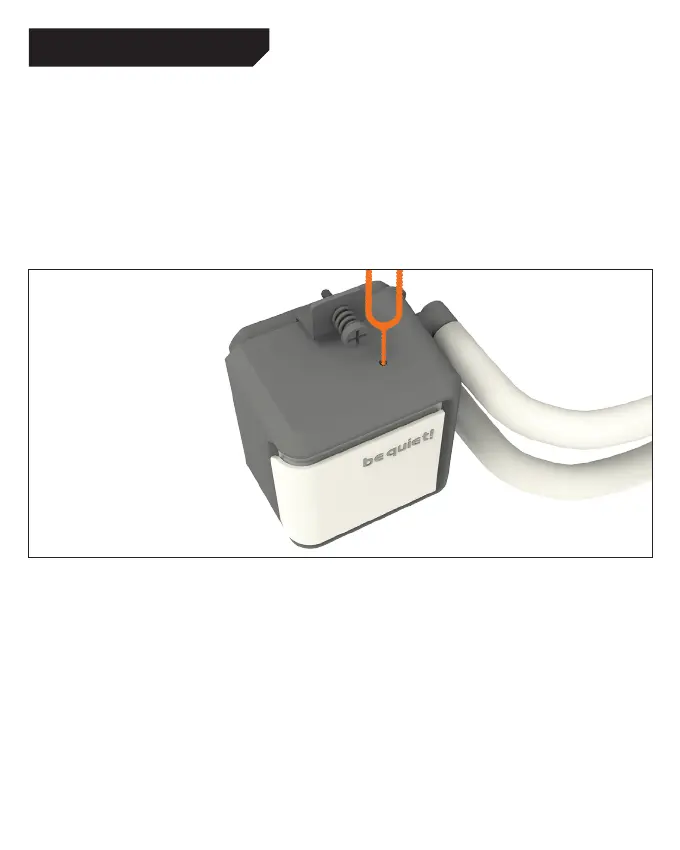
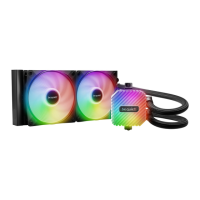
Switching logo illumination on/off
Insert ON/OFF tool (21) in the slot to switch
illumination of the logo of be quiet! on and off.
Logo Beleuchtung an-/ ausschalten
Führen Sie die ON/OFF Nadel (21) in die dafür
vorgesehene Öffnung des Pumpengehäuses ein,
um die Beleuchtung des be quiet! Logos ein- und
auszuschalten.
ILLUMINATION / BELEUCHTUNG







 To Next Page