8
AMD: AM4 / AM3(+)
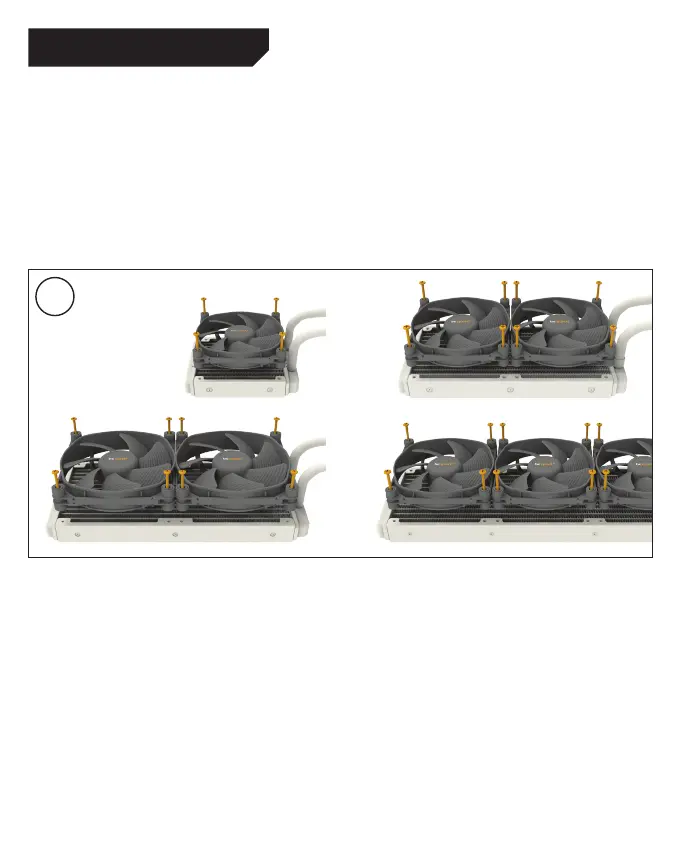
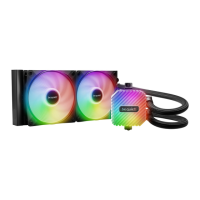
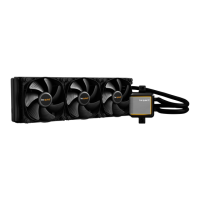
Mounting the fans on the radiator
Affix the fans (2) to the radiator with the fan
mounting screws (13). An installation in a push
configuration (120mm: push pull) is being
recommended, as shown in the picture. Next
connect the fans to the CPU connection of the
motherboard. You can use the Y-cable (19) for this.
Befestigung der Lüfter am Radiator
Befestigen Sie die Lüfter (2) mit den Lüfter
Befestigungsschrauben (13) am Radiator.
Empfohlen wird die Installation in einer Push-
Konfiguration (120mm: Push-Pull), wie in der
Abbildung zu sehen. Anschließend schließen
Sie die Lüfter an den CPU-Anschluss des
Mainboards an. Hierzu können Sie das Y-Kabel
(19) nutzen.
3



 To Next Page