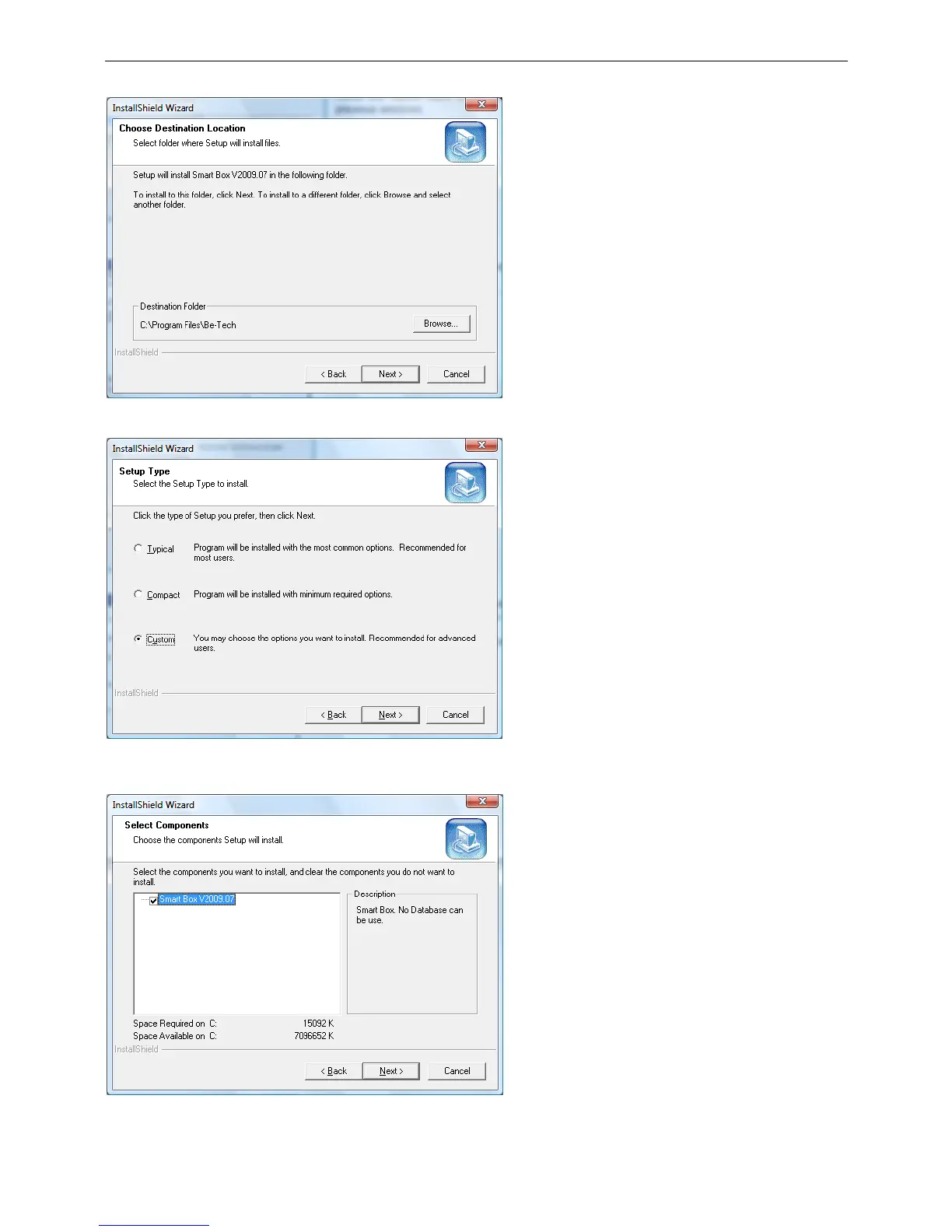
This window asks the user to choose the path to
the software.
Press the Browse button to select any other
destination.
This window will ask the user to select the Setup
type. There are three types to be selected.
After select a type, press the Next button to the
next steps.
This window will ask you to choose the
components which you want to install, and clear
the components you do not want to. Click the
Next button to the next step.



 To Next Page