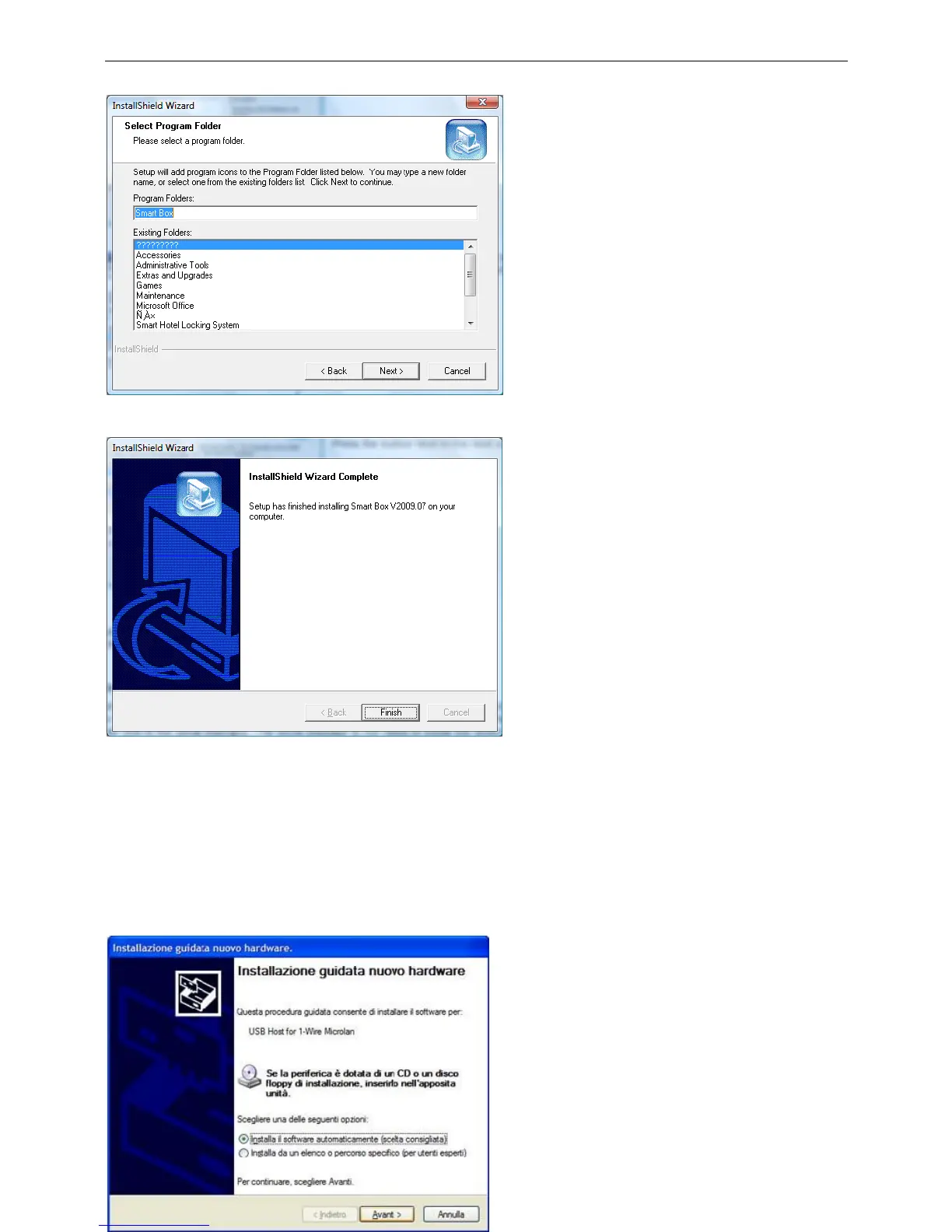
This window will ask you to select a program
folder; we can name this folder as Smart Safe.
Press the button Next to the next step.
The installation is now finished.
Press the button Finish to finish the operation.
ENCODER INSTALLATION
The encoder supplies two ports to connect to the computer, the USB port (DS9490R) and the serial port
(DS9097U). The serial port is not need to install the drivers. But if you select the USB port, the drivers must
be installed.
FOR WINDOWS XP, WINDOWS 2000,
WINDOWS 98
This window asks you to choose the kind of
installation. On the first screen, choose No, not
now, then click Next, choose install software
automatically (suggested choice) on the second
screen and then click Next. Press the button
Cancel if you do not wish to perform the
installation.



 To Next Page