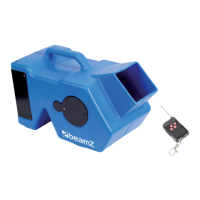
WIRELESS REMOTE CONTROL
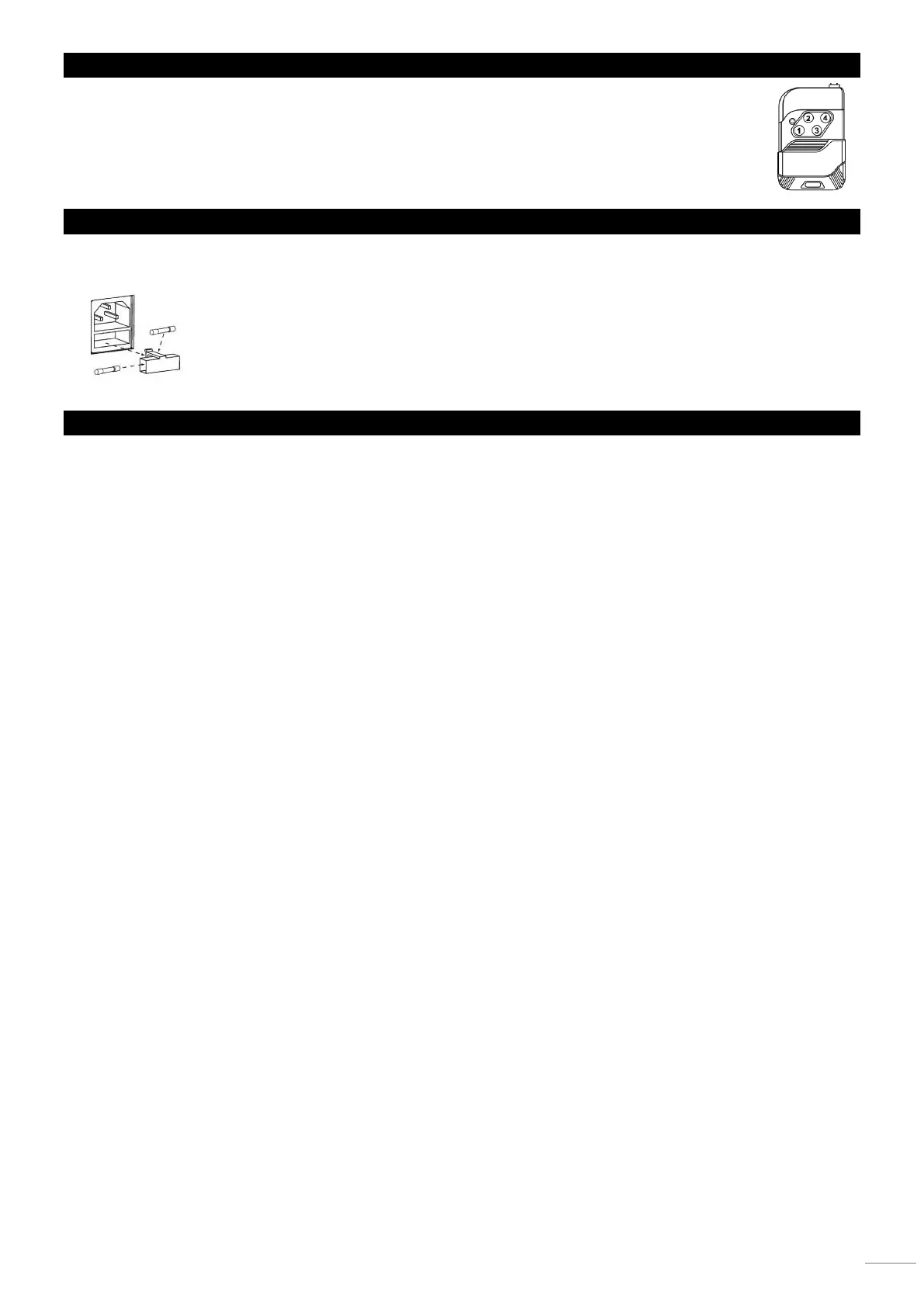
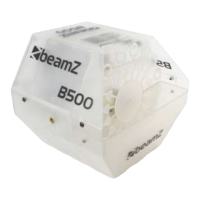
The wireless remote control have 4 buttons. Press one of the buttons (A,B,C or D) and the machine will produce
bubbles as long as you press the button.
REPLACING THE FUSE
If the fuse is defective, replace the fuse with a fuse of the same type and value. Before replacing the fuse, unplug mains lead.
Procedure:
Step 1: Open the fuse holder on the rear panel with a fitting screwdriver.
Step 2: Remove the old fuse from the fuse holder.
Step 3: Install the new fuse in the fuse holder.
Step 4: Replace the fuse holder in the housing.
ACCESSORIES
High quality bubble fluid, specially designed for Beamz bubble machines guarantees a trouble-free use with a lot of bubbles.
5 liter packaging, ref. no. 160.575
1 liter packaging, ref. no. 160.574


 To Next Page