EasyManua.ls Logo

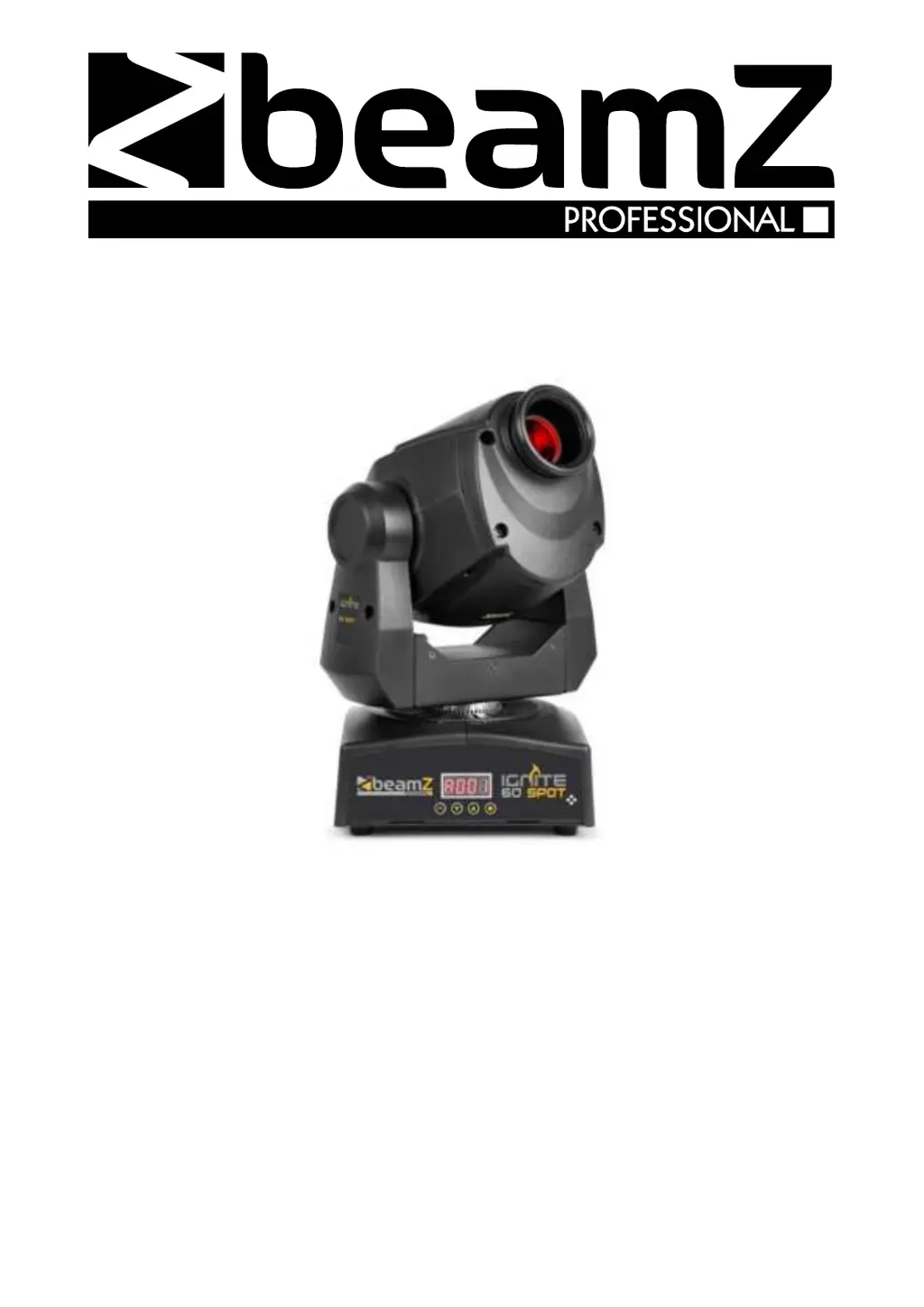
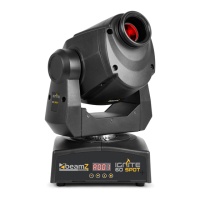
Beamz IGNITE60 - User Manual

Beamz IGNITE60
32 pages
Print Icon
To Next Page IconTo Next Page
Loading...
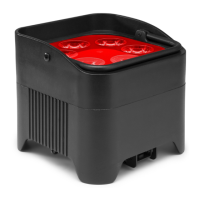
IGNITE60 LED Spot
Ref. nr.: 150.379
INSTRUCTION MANUAL
GEBRUIKSAANWIJZING
BEDIENUNGSANLEITUNG
MANUAL DE INSTRUCCIONES
MANUEL D'INSTRUCTIONS
INSTRUKCJA OBSŁUGI
V1.1

Questions and Answers

  • S
    salexanderAug 11, 2025
    How to fix Beamz IGNITE60 DJ Equipment that doesn't respond to DMX control?
    • A
      Alan SnyderAug 11, 2025
      To troubleshoot a Beamz DJ Equipment fixture that isn't responding to DMX control, first, make sure the fixture's DMX address matches the one set on your DMX control device. Check all DMX cables and connections for damage, and ensure the DMX link is properly terminated. Verify that all components on the DMX link use standard DMX polarity. Try controlling the fixture with another DMX control device. If the link is near an unshielded high-voltage installation, try moving or shielding it, as this could cause interference. The cause might be incorrect DMX addressing or a fault on the DMX link due to a damaged connector, cable, or interference from a high-voltage installation.
  • J
    Jacob AdamsAug 19, 2025
    What to do if Beamz IGNITE60 DJ Equipment fixture does not react to music beat?
    • G
      gonzalezbrandiAug 19, 2025
      If your Beamz DJ Equipment fixture isn't reacting to the music beat, first ensure that sound activation is enabled. Then, adjust the sound activation microphone sensitivity, because it might be too low for your music source. You can tap the microphone to check if it’s working correctly. The fixture should react when in sound activation mode. The cause might be that the sound activation is disabled or the sensitivity is too low for the music source. Also, make sure the fixture isn't connected to a DMX signal.
  • Z
    Zachary RamirezAug 29, 2025
    Why there is no light from Beamz IGNITE60 DJ Equipment, or fans are not working?
    • M
      Marissa PadillaAug 29, 2025
      If your Beamz DJ Equipment fixture has no light or the fans aren't working, the issue might be with the power supply. Check if the fixture’s power indicator LED is lit. Inspect all power connections and cables for any faults. If necessary, replace the fixture fuse. This could be due to a blown fuse, a faulty connector, or a damaged cable.

Beamz IGNITE60 Specifications

General IconGeneral
Power60W
Laser Class3B
LED ColoursRed, Green, Blue
DMX Channels9
DMX Output3-pin XLR
ControlDMX, Auto, Sound
LED Quantity6
Power Supply100-240VAC, 50/60Hz

Related product manuals