9
UK English
Operating your Executive
TM
Headphones
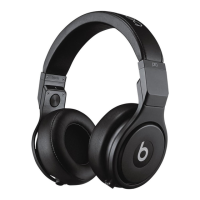
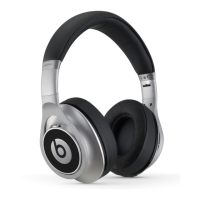
Beats Executive
TM
comes equipped with an “Off/On” switch which allows you to
turn on the Audio and Active-Noise Cancellation on your headphones. To save
battery life, switch the headphones back to “Off” to turn off Audio and Active-
Noise Cancellation functions when headphones are not in use.
To operate your Executive
TM
headphones, please refer to the chart below:
Switch = OFF Switch = On
No Audio or ANC,
LED = Off
Audio On/ANC On,
LED = GREEN






 To Next Page