
 Need help?
Do you have a question about the Beats Electronics B0501 and is the answer not in the manual?
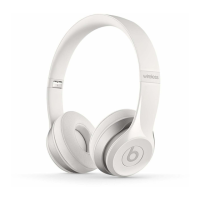
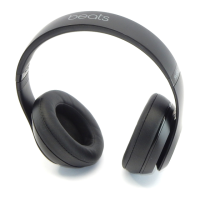
Expand and collapse the headphones for playback and storage.
Slide earcups up and down to adjust the headphone fit.
Press the power button without the cable to activate Wireless mode.
Press and hold the 'b' button for 2 seconds to pair the device.
Pair when the Bluetooth indicator is blinking.
 General
| Brand | Beats Electronics |
|---|---|
| Model | B0501 |
| Category | Headphone |
| Language | English |


 To Next Page